 Download
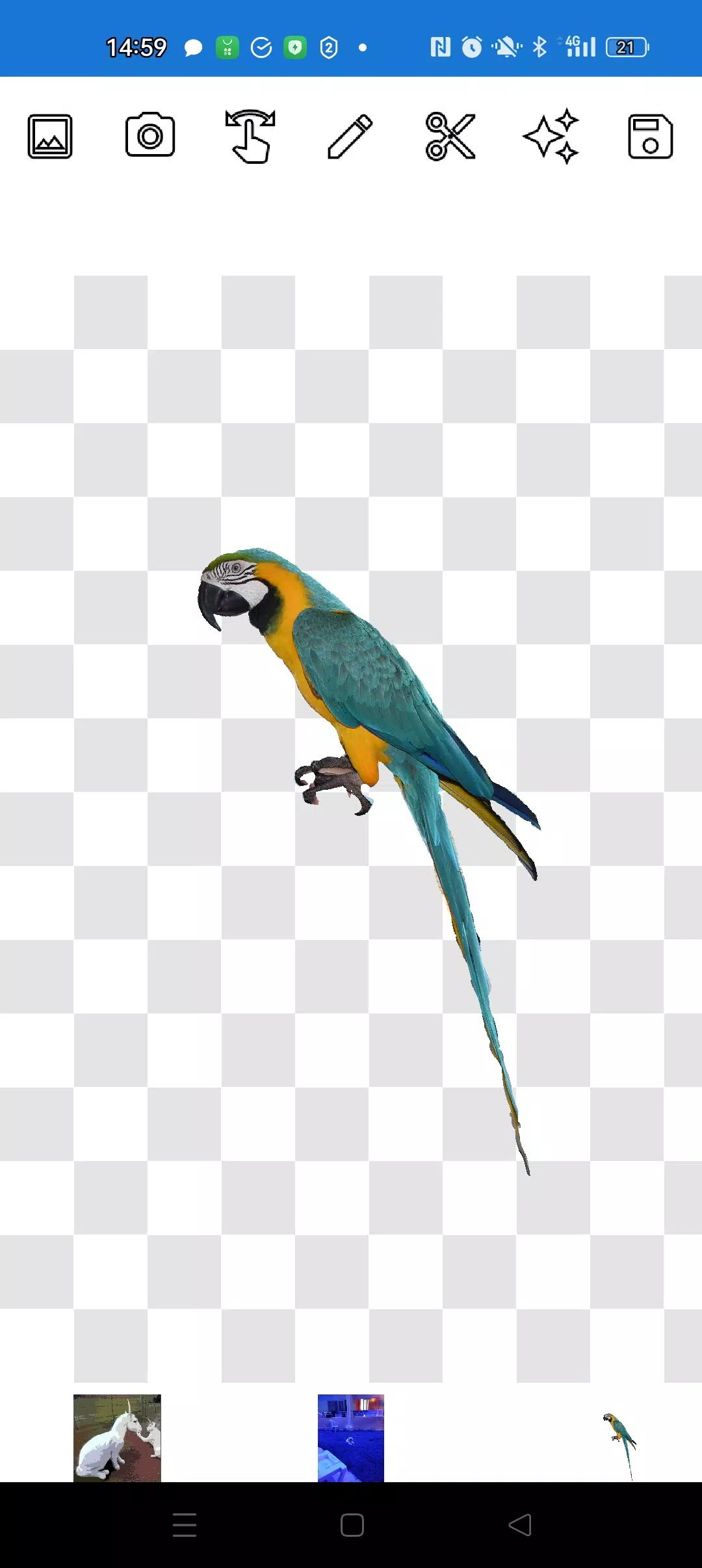
Introducing our user-friendly image editor designed specifically for photo cropping and overlaying. With its straightforward tools, you can effortlessly enhance your images without any unnecessary features cluttering your experience.
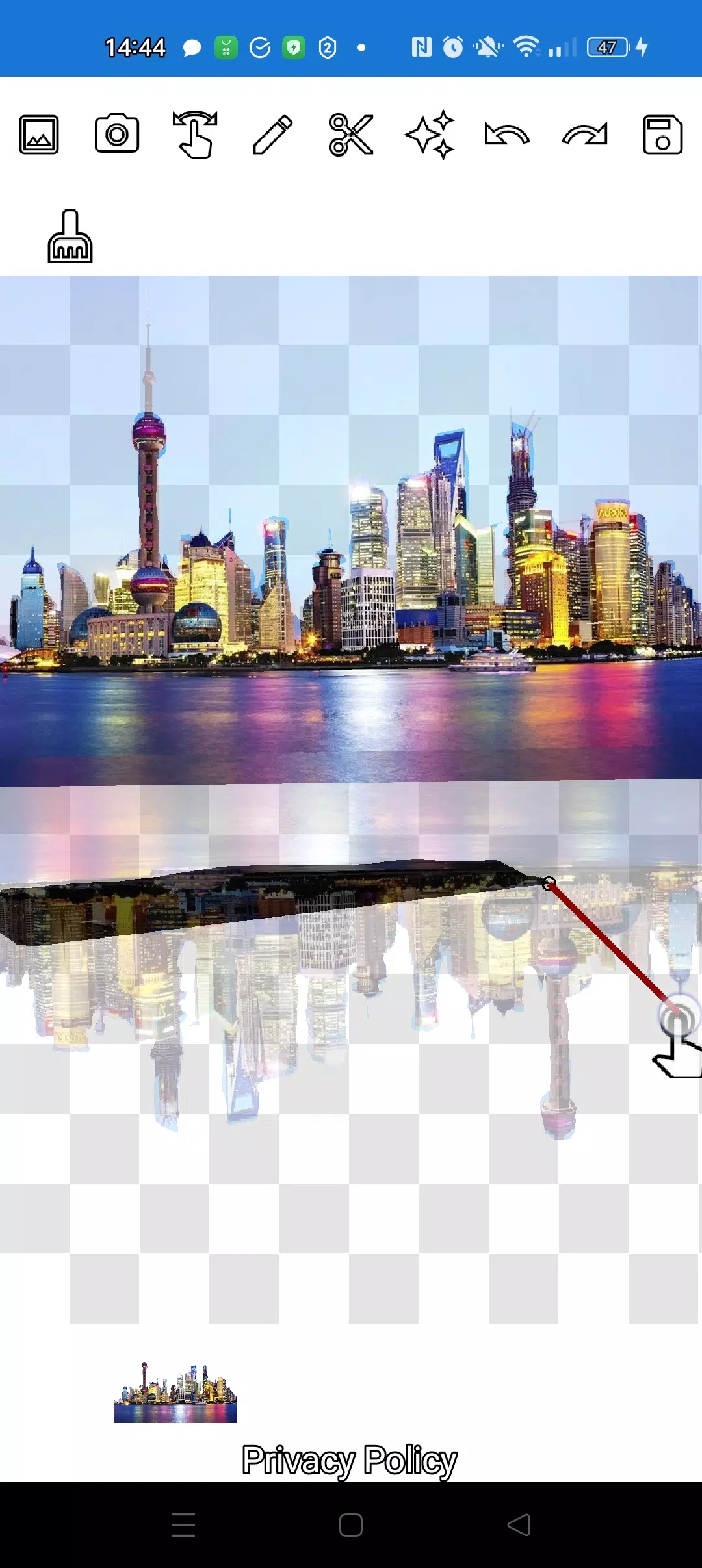
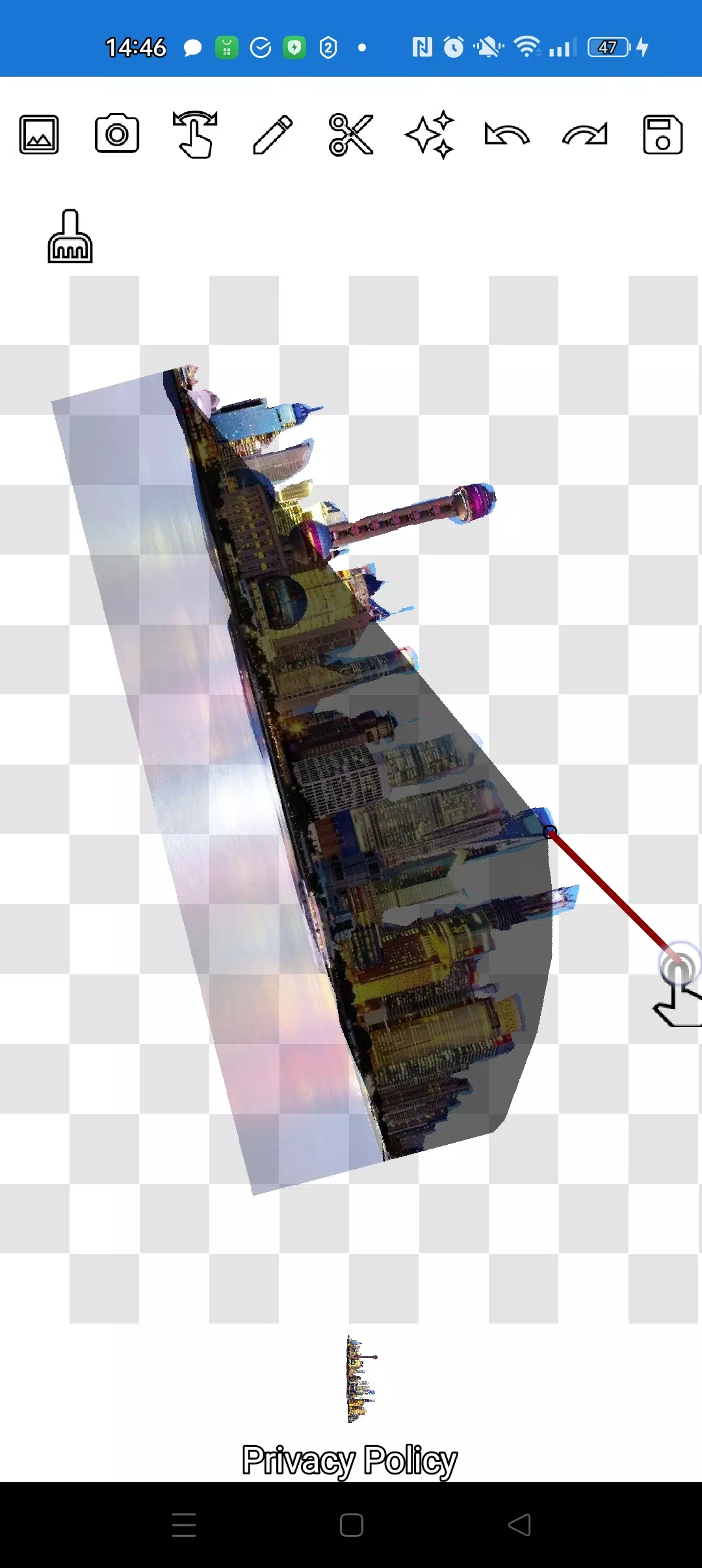
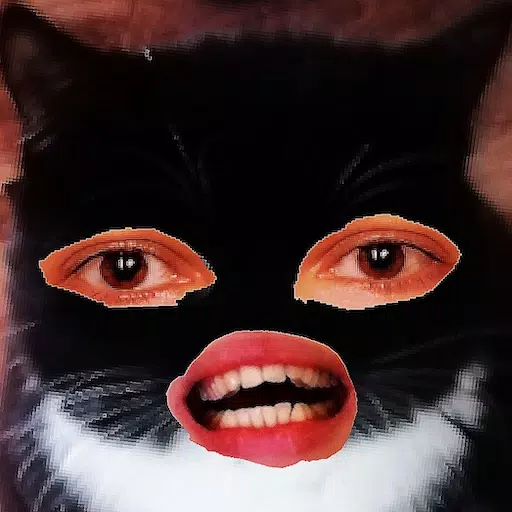
Our application empowers you to precisely cut out any object from a photo, no matter how small, using two intuitive tools: the pencil ✏️ and the lasso. The pencil tool allows you to draw around your object and adjust its transparency to turn it into an eraser. You can choose the pencil's width and set its transparency to medium for a translucent effect, giving you full control over the edges of your cutout.
For a seamless integration of your cutout into another image, simply click the "magic" tool next to the save button. This feature ensures your objects blend perfectly with the background. To handle even the most intricate objects, zoom in using the manipulation mode (finger) and meticulously trim the outline with either the pencil or lasso.
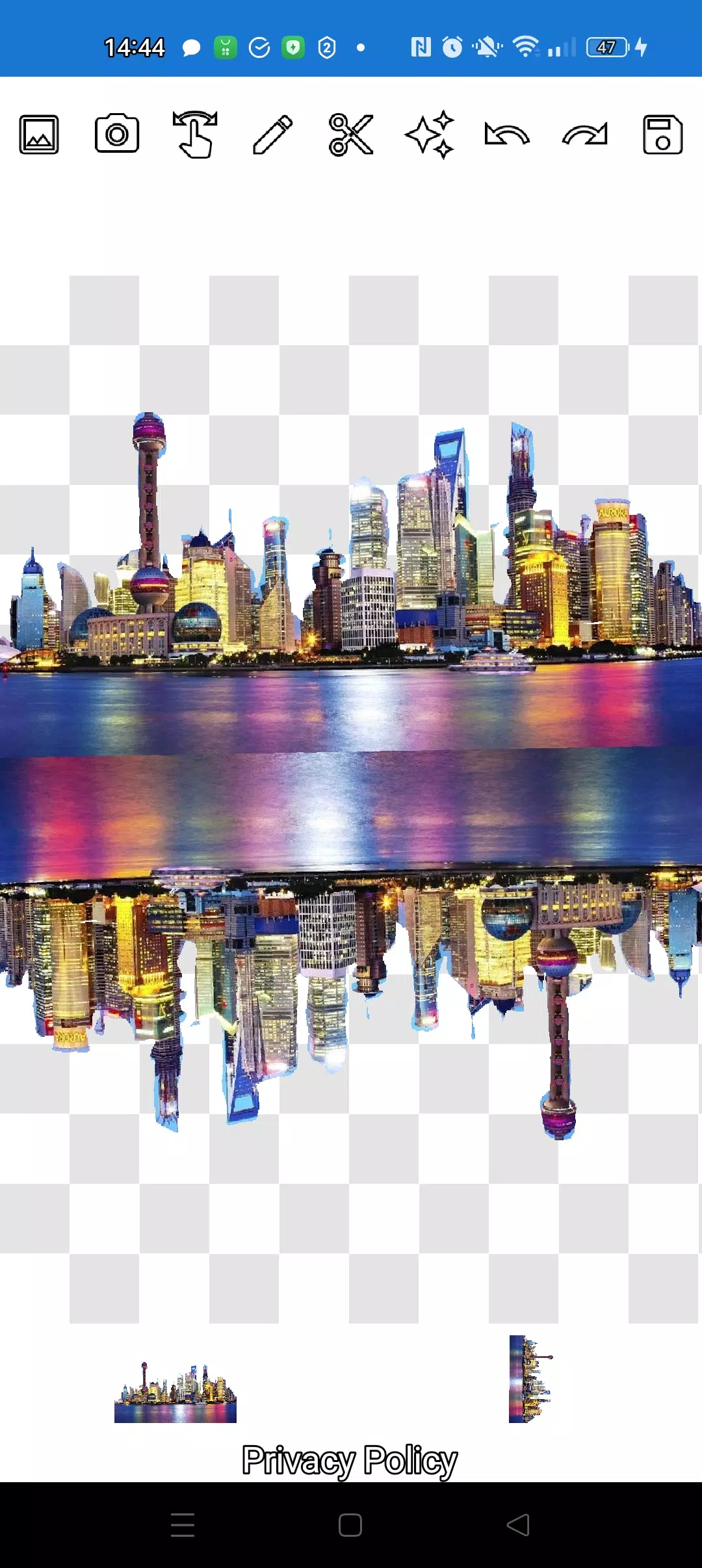
Create stunning compositions by layering multiple objects. Select several photos from your gallery, crop them along their contours, and designate one as the background. Arrange the images aesthetically and save your masterpiece to the gallery. A helpful tip: start by selecting an overlay image for easier cutting, then choose your background. The overlay image will remain accessible; just click on the overlay layer at the bottom to bring it to the forefront.
If you're not satisfied with a particular image on the screen, simply swipe it almost completely off the screen to delete it. Saving your work is as easy as selecting a rectangular area in crop mode and clicking the checkmark to store it in your photo gallery.
Don't worry about the order of your images. The layers are displayed at the bottom of the screen, and you can easily rearrange them with a single click. Mastering the different modes (manipulation, pencil/eraser, or lasso) might take a couple of minutes, but soon it will become second nature.
Impress your friends on social media and messaging apps with unique images. Whether you're creating memes, fakes, or humorous content, our app is the perfect tool for all occasions. It's also invaluable for businesses, websites, logos, and banners when you need a quick solution without a full-fledged editor.
Use our app anywhere—cafes, subways, or airplanes—as it works seamlessly offline.
Powered by simple technologies from Pimur.
Thank you for reading this text to the end. We value your feedback, so please share your thoughts below!
What's New in the Latest Version 4.5
Last updated on Sep 17, 2024
Minor bug fixes and improvements. Install or update to the newest version to check it out!