
 Download
Cut, Copy, Paste, and Collage: Unleash Your Creativity with This Powerful Photo Editor!
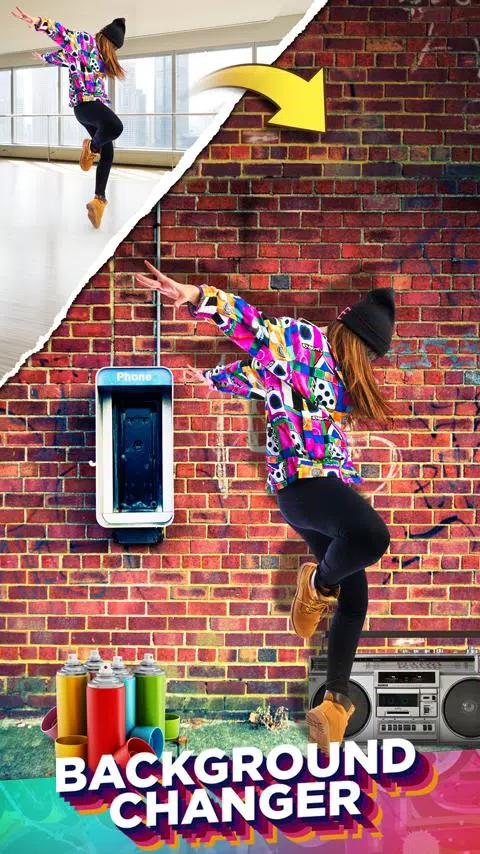
Effortlessly change photo backgrounds with a single tap. Cut and paste people, animals, cars, and entire backgrounds into new photos to create stunning collages. Need to remove a distracting background? This app makes it easy to remove unwanted elements from your images.
Missed someone in a cherished family photo? Add them back in without needing professional photo editing software. This is the ultimate copy-paste tool for photos.
Cut Paste Photos boasts hundreds of advanced photo editing features, including:
-
AI-Powered Background Eraser: Instantly remove backgrounds from photos, leaving perfectly cut subjects ready to be pasted elsewhere.
-
Manual Photo Cut: Precisely cut out specific parts of your images using our manual cutting tool for complete control.
-
Advanced Photo Editor: Refine cutouts for sharp, clean edges, ideal for removing objects or people from photos.
-
Seamless Pasting: Paste your cutouts onto any background from your gallery. Insert yourself into famous locations or dream vacations!
-
Versatile Collage Maker: Create custom collages using our pre-designed backgrounds or design your own freeform collages.
-
Color Pop Effect: Preserve vibrant color in specific areas while converting the rest of the image to black and white for dramatic emphasis.
-
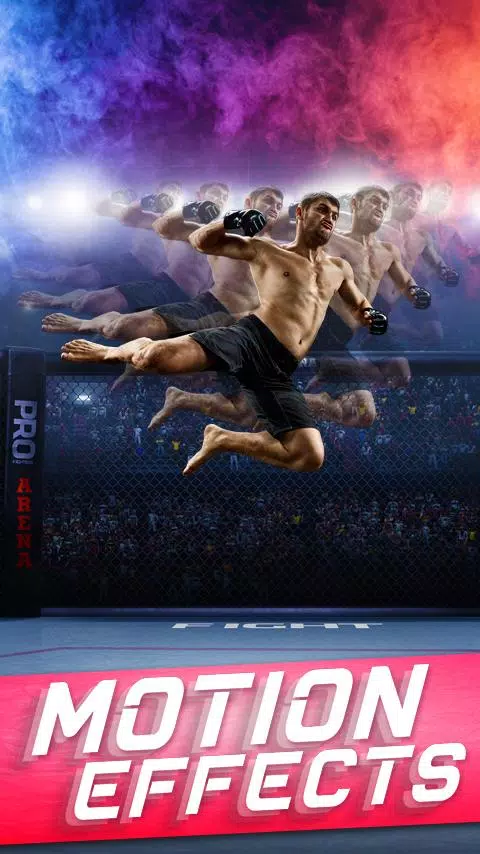
Photo Cloning & Mirroring: Create fun clone effects and mirrored images by pasting multiple copies of subjects. Experiment with motion effects for unique results.
-
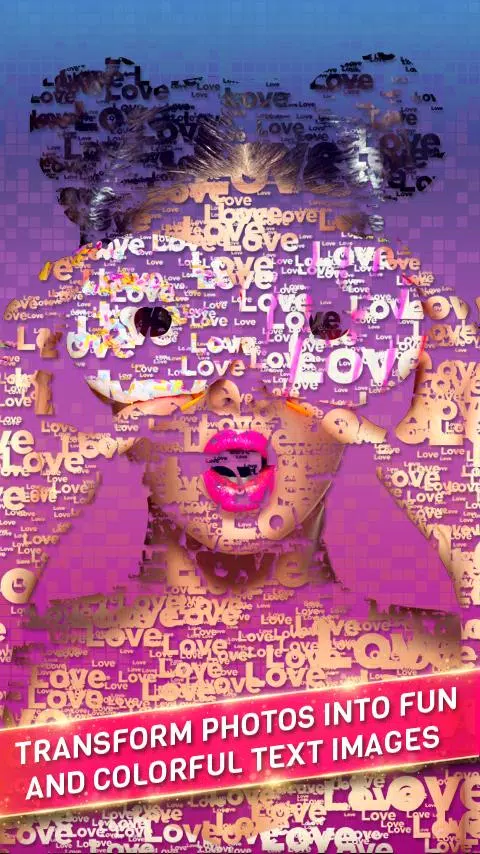
Text Overlay: Add text to photos or collages using a wide variety of fonts, textures, and styles. Even convert cutouts into text!
-
Double Exposure Effects: Easily create stunning double exposure images by blending scenic photos.
-
Extensive Filters: Apply hundreds of filters to enhance your creations. Utilize flip and transform tools for additional control.
Image Sources: Access a vast library of images through our integrated web search, or use photos from your device's gallery. Our background selection includes licensed images and your own photos.
Thousands of Stickers: Add personality to your photos with thousands of included stickers.
Cut Paste Photos' advanced tools, including the advanced photo editor, magnifying glass, collage maker, and automatic background eraser, empower you to create professional-quality photos and collages. Transform your photos in seconds!
Privacy: See our privacy policy at https://dexati.com/privacycutpaste.html
Report AI Issues: https://dexati.com/reportai.html (accessible in-app via the top-right menu)
What's New in Version 11.0.4 (Oct 9, 2024)
Improved stability.









![xnxx app [Always new movies]](https://images.0516f.com/uploads/97/17200569726685fc8cd0162.png)