
 Download
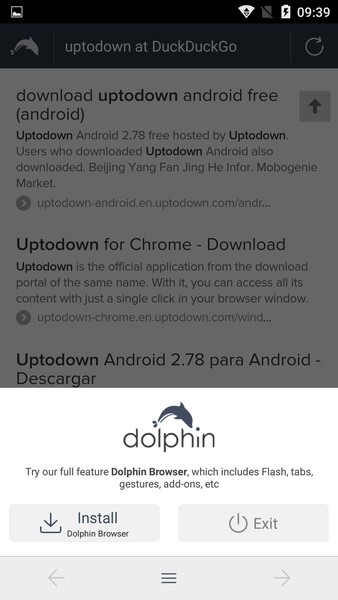
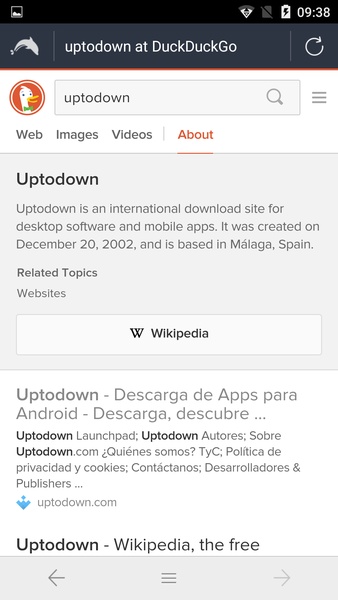
Dolphin Zero Incognito Browser is a browser that allows you to surf the web anonymously, without leaving a trace. No browsing history, no forms, no passwords, no cache information, no cookies... nothing at all. By default, Dolphin Zero Incognito Browser uses the search engine DuckDuckGo, one of the best options for total privacy, but you can change it for any other search engine. By touching the DuckDuckGo icon, you can open a small pop-up menu where you can select Google, Bing, or Yahoo.
One of the great things about Dolphin Zero Incognito Browser is its size. The app takes up slightly more than 500 kilobytes, making it much smaller than other Android browsers. Plus, it's compatible with some of Dolphin's add-ons. Dolphin Zero Incognito Browser is an excellent web browser that offers a secure and fluid browsing experience. Its small size also makes it ideal to use as a secondary browser... or for devices with little memory space that simply don't have room for a bigger browser.
Requirements (Latest version)
Android 6.0 or higher required
Frequent questions
How much space does the Dolphin Zero Incognito Browser APK take up?
Dolphin Zero Incognito Browser takes up only 530 KB, making it one of the lightest web browsers available on the Internet. With it, you can browse privately without entering your account and use it as a browser without taking up much space on your device.
What can I do with Dolphin Zero Incognito Browser?
Because it takes up so little space, Dolphin Zero Incognito Browser offers a very limited amount of features. The only thing you can do is access web pages through the URL or integrated search engines. You can also move forward or backward on the open page, but you cannot use tabs.
Which web search engines does Dolphin Zero Incognito Browser integrate natively?
Dolphin Zero Incognito Browser integrates five web search engines so that you can choose which one you want to search with: DuckDuckGo, Yahoo!, Bing, Search, and Google. By default, the browser used is DuckDuckGo, and can be changed at the top left.
Is Dolphin Zero Incognito Browser safe?
Although its last update was released in 2018, browsing Dolphin Zero Incognito Browser is safe because it does not collect any user data. It does not store history, cookies, or cache content. However, it is important not to access your sensitive accounts in the browser. In addition, you should know that the session will not be saved.









![xnxx app [Always new movies]](https://images.0516f.com/uploads/97/17200569726685fc8cd0162.png)