 Download
Simplify your calculations with our intuitive and scientific calculator app. Whether you're tackling basic arithmetic or complex engineering problems, our app has you covered.
[Key Features]
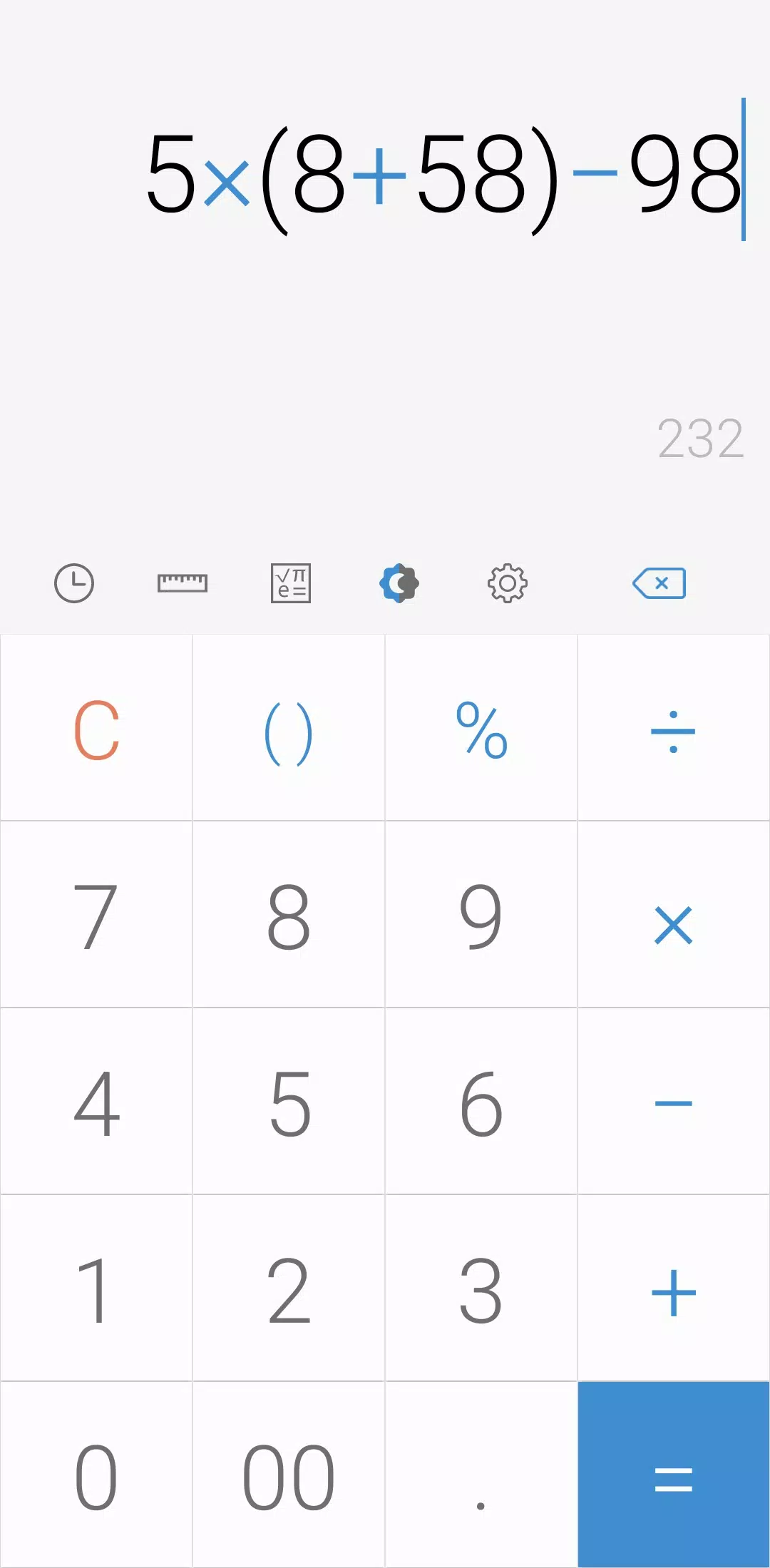
- Perform four fundamental operations and advanced engineering calculations with ease.
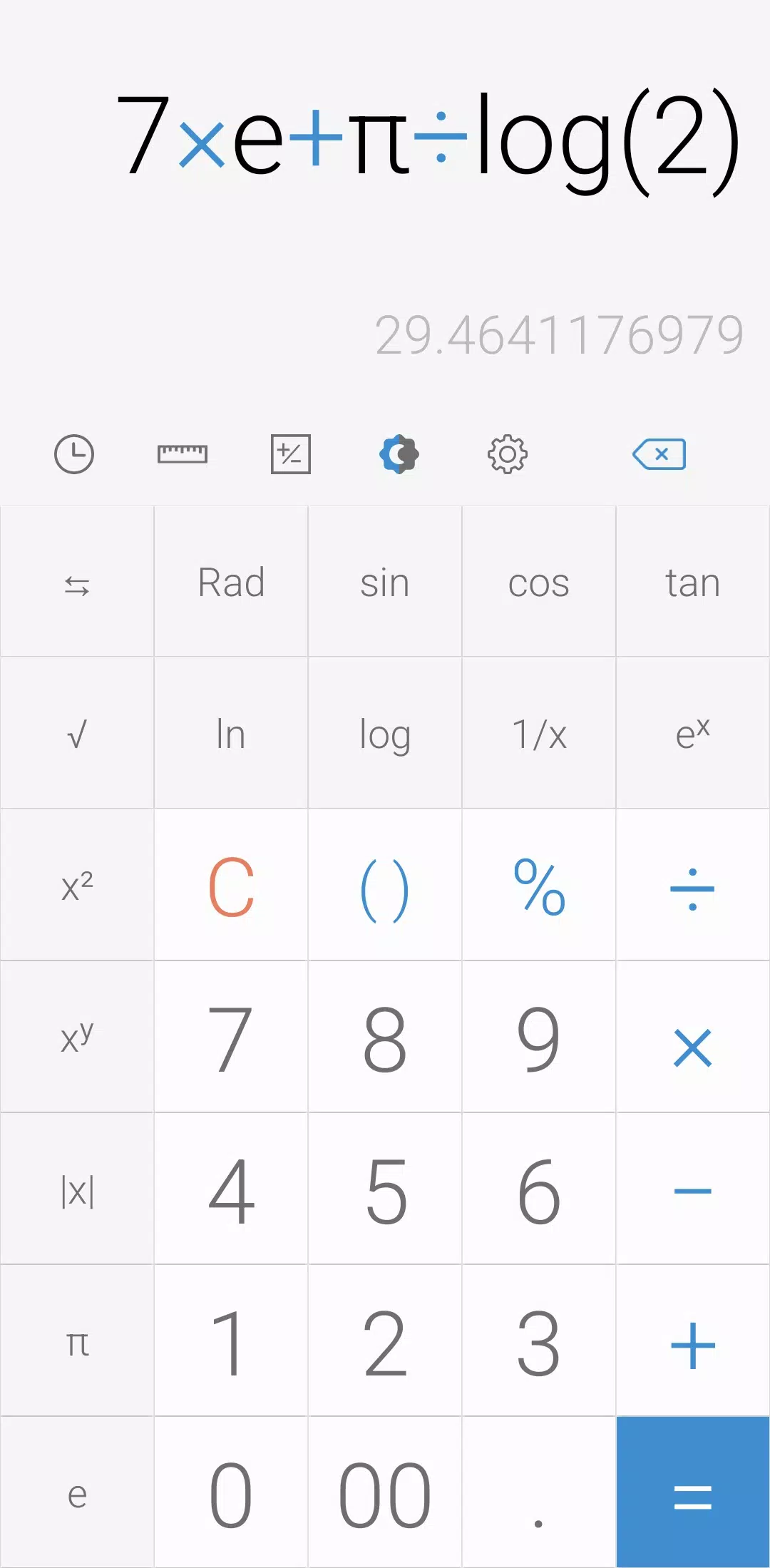
- To access the engineering calculator, simply tap the engineering calculator icon.
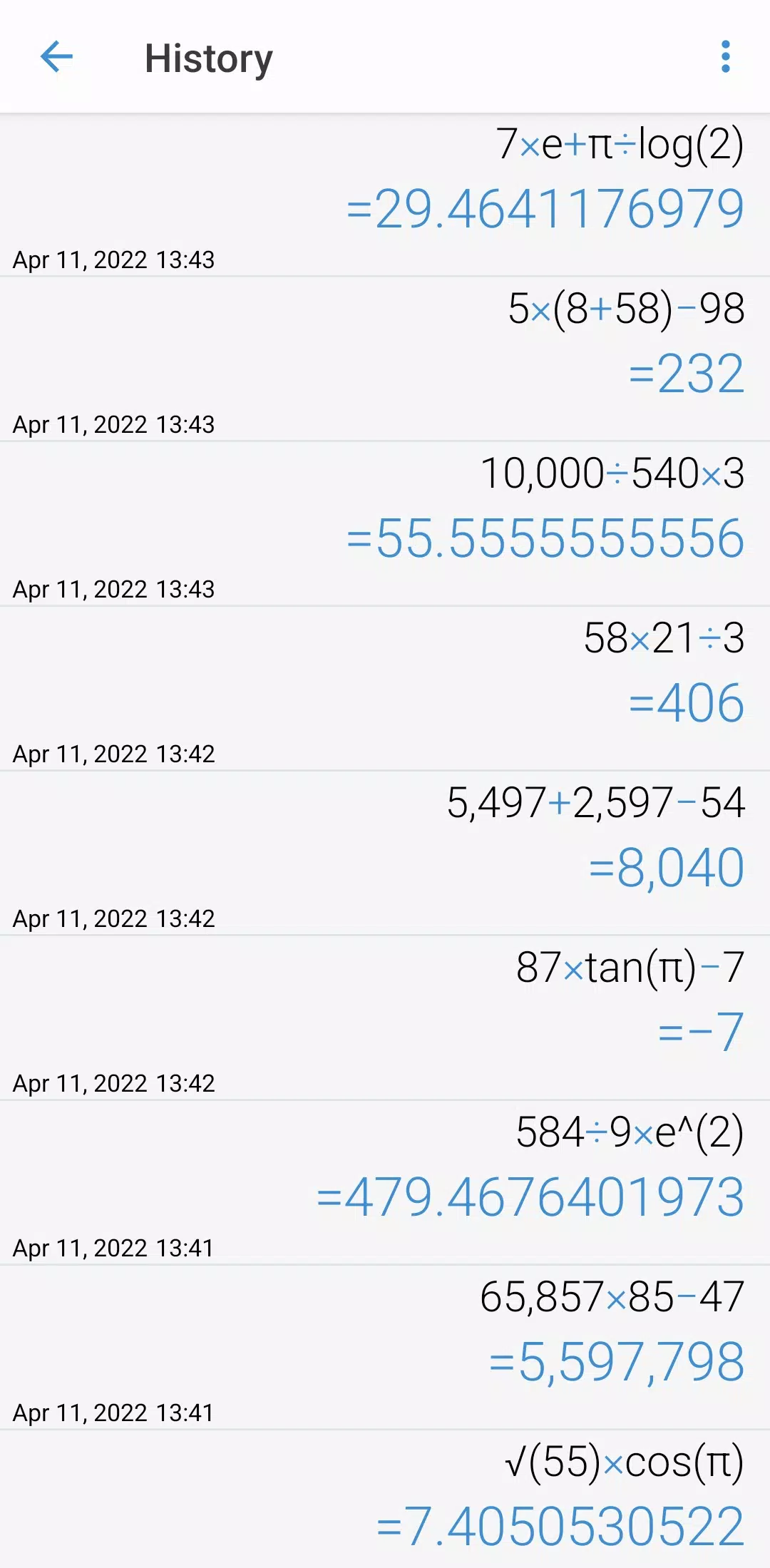
- Keep track of your calculations by tapping the calculation history icon.
- Reuse previously inputted formulas effortlessly by selecting them from your calculation history.
[Additional Features]
- Convert units seamlessly by tapping the unit calculator button. Our app supports conversions for:
- Currency
- Area
- Length
- Temperature
- Volume
- Mass
- Data
- Speed
- Time
- Date
- BMI
- Discount
- Age
- Numeral System
- GST
- Split bill
- Frequency
- Fuel
- Angle
- Pressure
- Force
- Power
- Loan
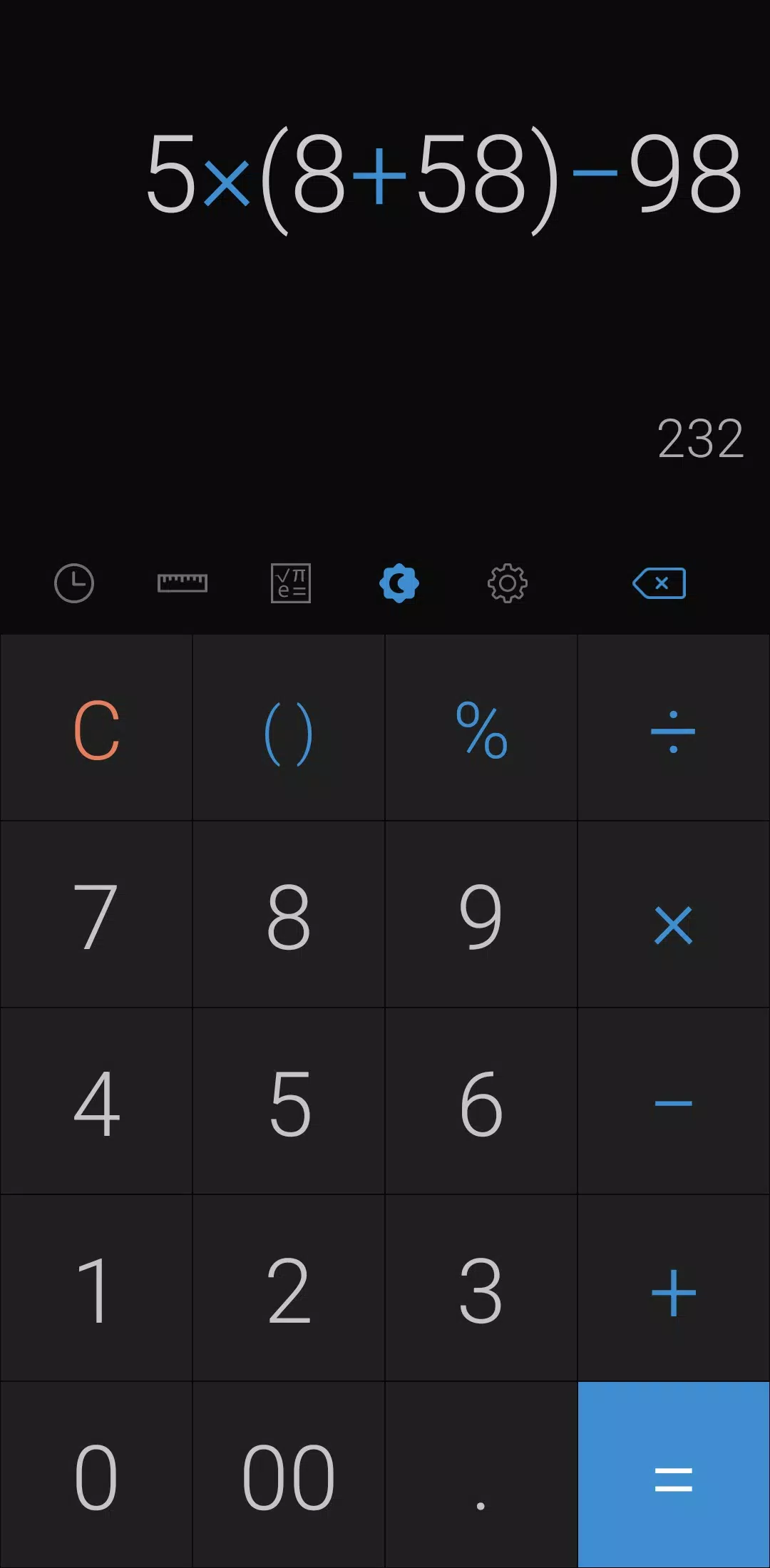
- Customize your experience by tapping the night mode icon to switch themes.
- Set your preferred time range for night mode in the settings.
- Choose your favorite color from the settings menu to personalize the app's appearance.
- Delete any calculation history by long-pressing on the item in the history page.
- Select your preferred language from the settings to use the app in your native tongue.
- Enable a beep or vibration feedback when pressing buttons through the settings.
- Change the numeral system to your preferred format in the settings (all numeral systems are supported).
- Adjust the number format to suit your needs from the settings.
- Set the number of decimal places after the comma in the settings for precise calculations.
- Enable or disable full-screen mode from the settings for an optimized viewing experience.
- Keep a record of your calculations by enabling this feature in the settings.
- Keep the screen on during use by enabling this option in the settings.
- Hide any icon you don't need by adjusting your preferences in the settings.
Last but not least, all these features are packed into a small-sized app that is completely free to use. Enjoy the power of advanced calculations without any cost or clutter.