 다운로드
다운로드A parental control app for limiting screen time, blocking apps & games, and locating family members.
FamilyTime Parental Control App
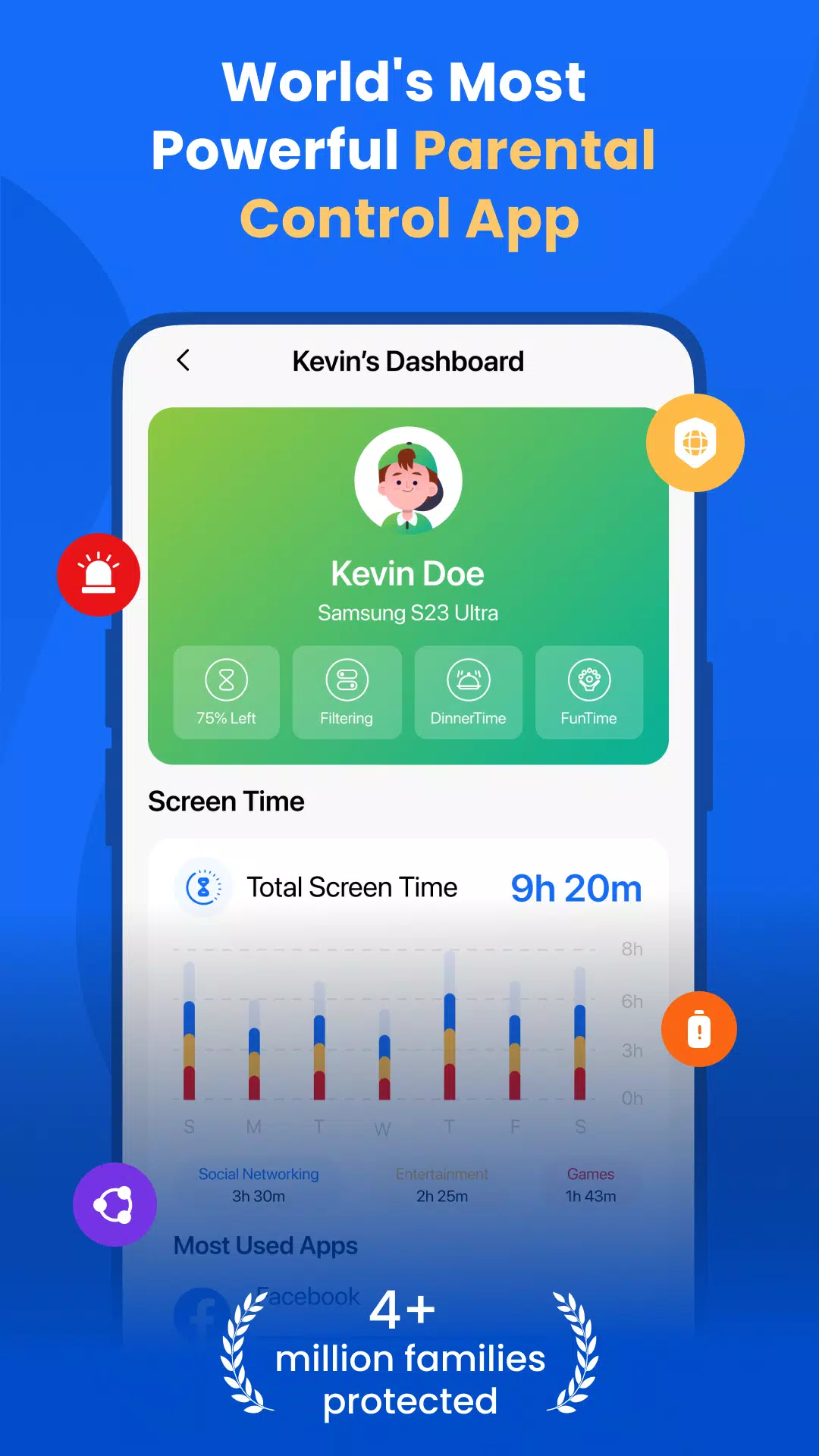
FamilyTime is a parental control app that helps parents manage their children's screen time by blocking apps and games. With features like location tracking, YouTube and TikTok history review, call and SMS monitoring, app usage tracking, app limits, and family locator, parents can promote safe and healthy digital habits.
Smart Parental Controls
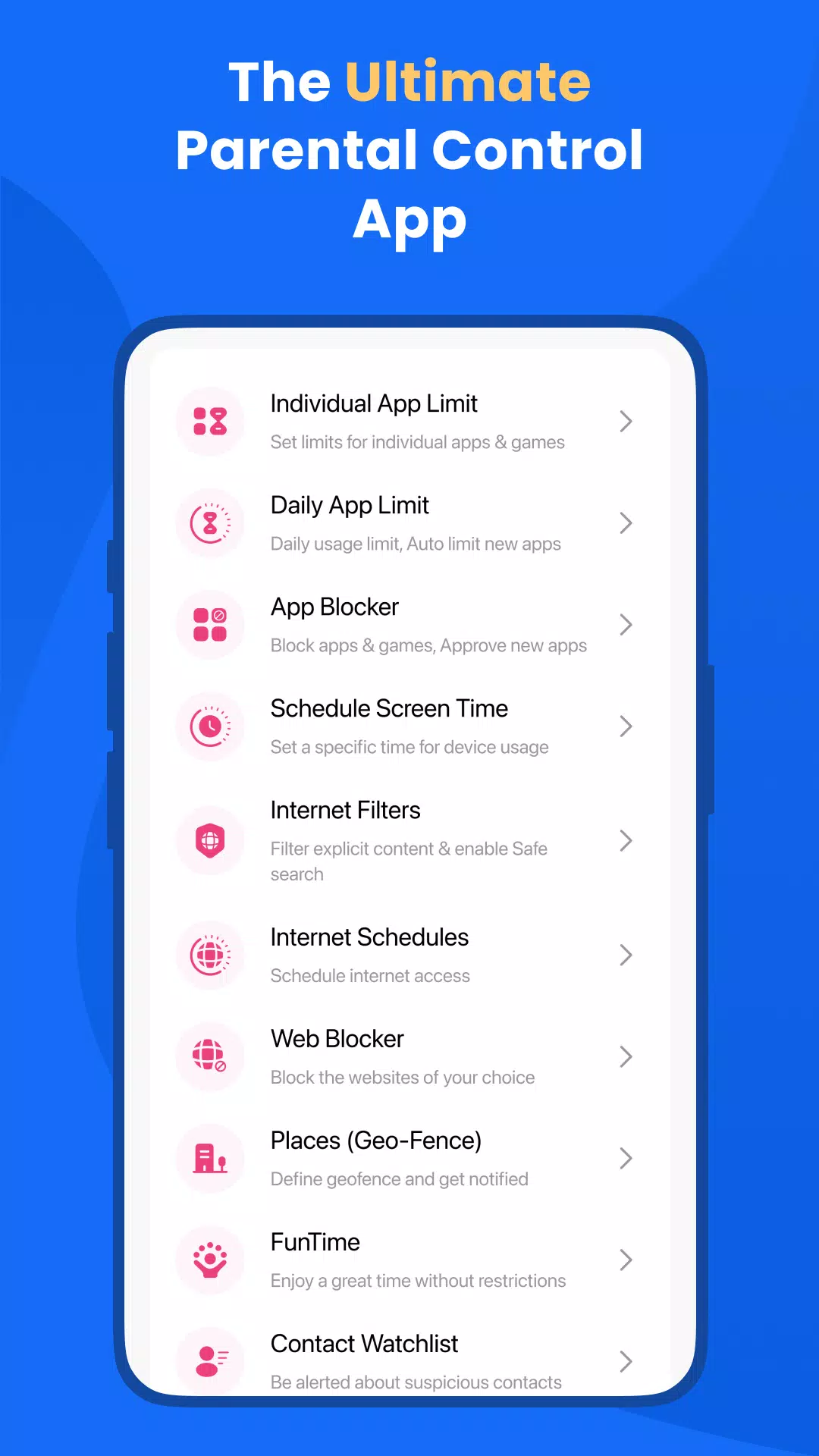
Set daily or hourly screen time limits to encourage a healthy balance between device use and other activities. Approve or lock apps instantly as needed.
Screen Time Schedules - Create schedules for when children can use their devices. Lock phones for Dinner Time, Homework Time, or Bedtime, or build a custom schedule.
Daily App Limits - Automatically block apps and games once their daily time limit is reached. You can also set limits for individual applications.
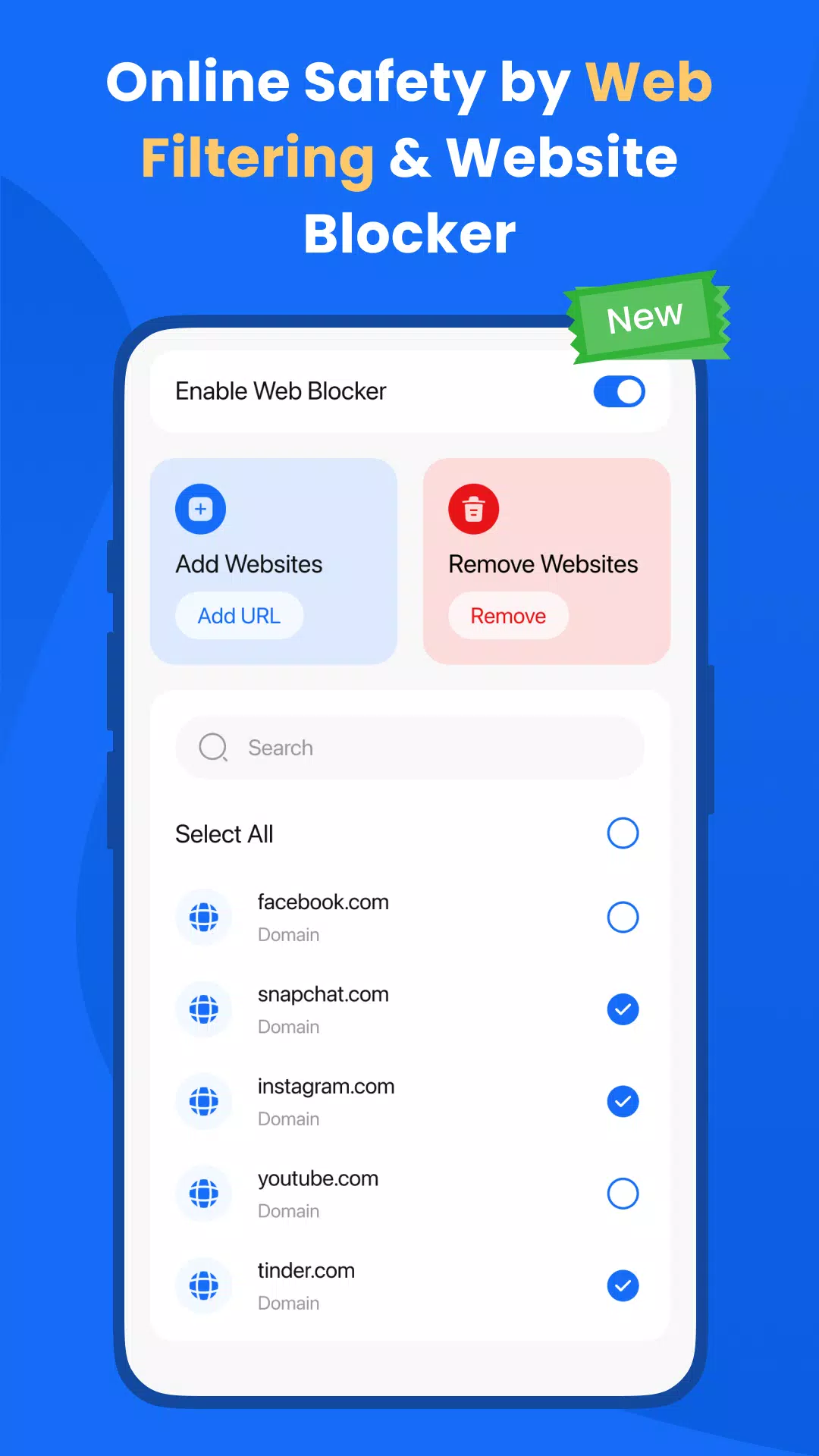
Web Blocker – Keep children safe online by blocking unwanted websites through a customizable block list.
FamilyPause - Instantly lock your child's device. Ideal for moments when they need to disconnect from their Android phone or tablet.
Web Filtering - Block inappropriate websites and content to ensure safe browsing. Enforce safe search on Google, Bing, and other search engines to filter out adult material.
Approve Apps - Parents can approve or block any app their child tries to install on their phone.
Complete Parental Monitoring:
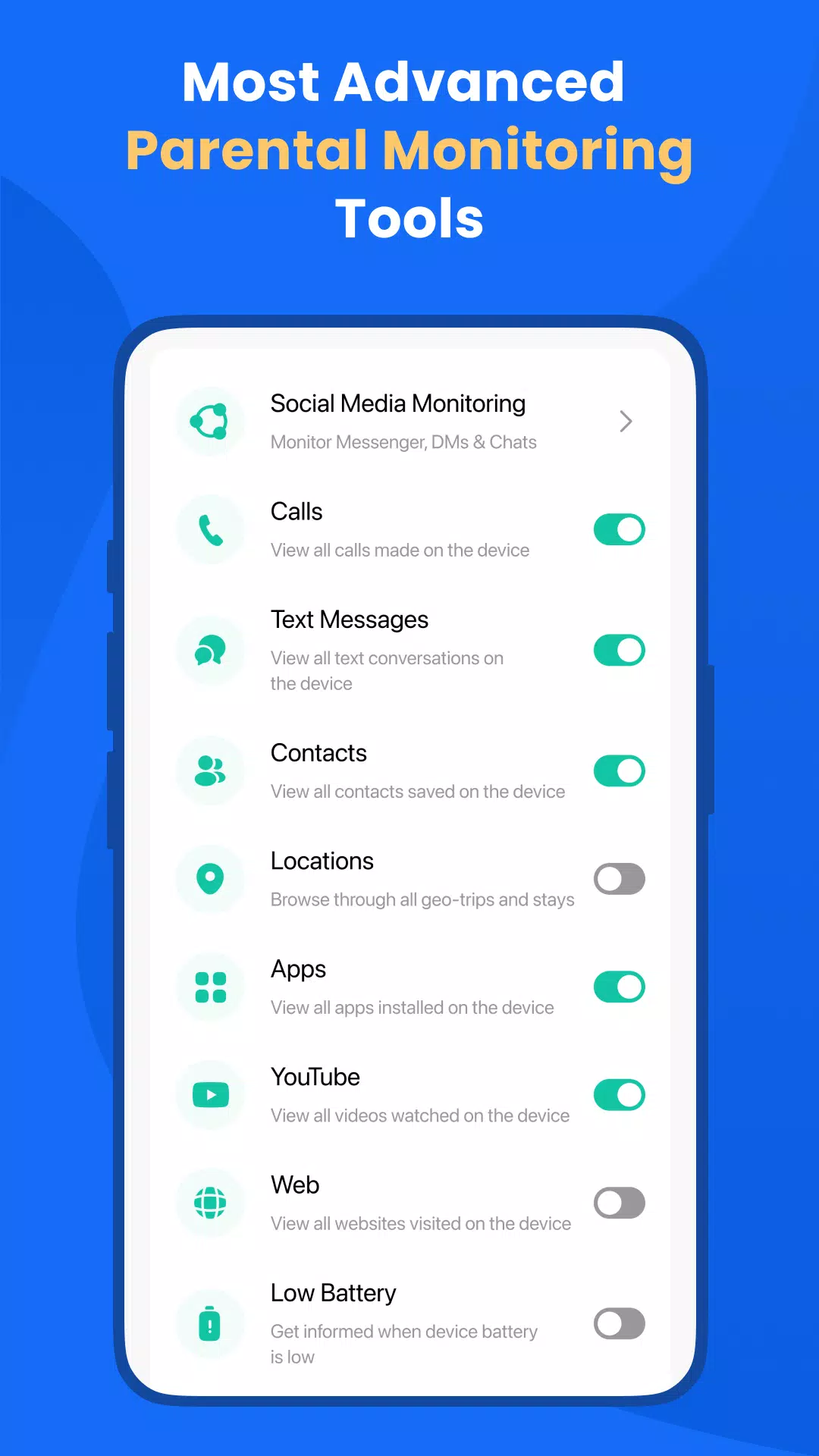
Family Locator and GPS Tracker - The built-in Family Locator is a convenient GPS tracker within the FamilyTime app. Monitor your child's location and get real-time updates sent directly to your phone.
Social Media Monitoring - Stay aware of your child's social media activity to help prevent issues like cyberbullying or exposure to inappropriate content.
Call and SMS Monitoring - Track your child's phone calls and text messages as part of comprehensive parental oversight.
Geofencing - Set up virtual boundaries and receive alerts when your child enters or leaves these designated areas.
SOS/Panic Button - Includes an emergency button so your child can quickly alert you or trusted contacts in case of an emergency.
Why FamilyTime is the Best Parental Control App:
✓ 30-day activity reporting history
✓ Priority live customer support
✓ Invite another guardian to co-monitor for free
✓ Free access to all new features
✓ Connect more devices for full family coverage
✓ Privacy protection and GDPR compliant
✓ Data security with end-to-end encryption
Download the FamilyTime Parental Control App on your Android phone. Then, install the FamilyTime Jr. app on your child's device(s) to easily manage their daily screen time across platforms.
FAQ:
- Is there any fee for installing FamilyTime App on a parent device? No, it's completely free for all parent devices. You can install the app on multiple parent devices at no cost.
- Which OS Does the app work on? FamilyTime supports Android 8 and higher.
- What languages do you support? The app is available in English, Spanish, French, Italian, Portuguese, German, Japanese, Turkish, Finnish, Arabic, and Chinese.
Try it for Free
Enjoy a 3-day free trial of FamilyTime after subscribing to an annual plan.
Note:
We take your privacy seriously. Please read our
➠ Privacy Policy at https://familytime.io/legal/privacy-policy.html
➠ Terms and Conditions at https://familytime.io/legal/terms-conditions.html