 Download
TV Cast for Smart TV: Smart Share all files to bigger TV, Smart View Anycast
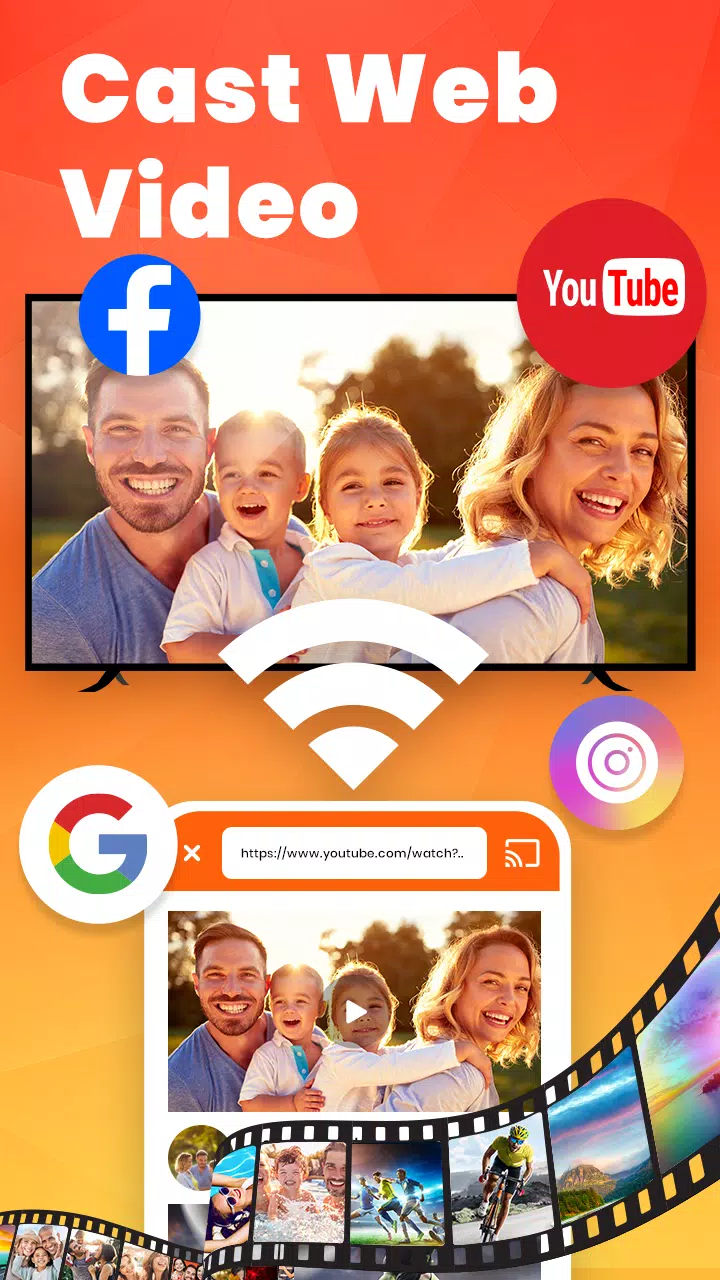
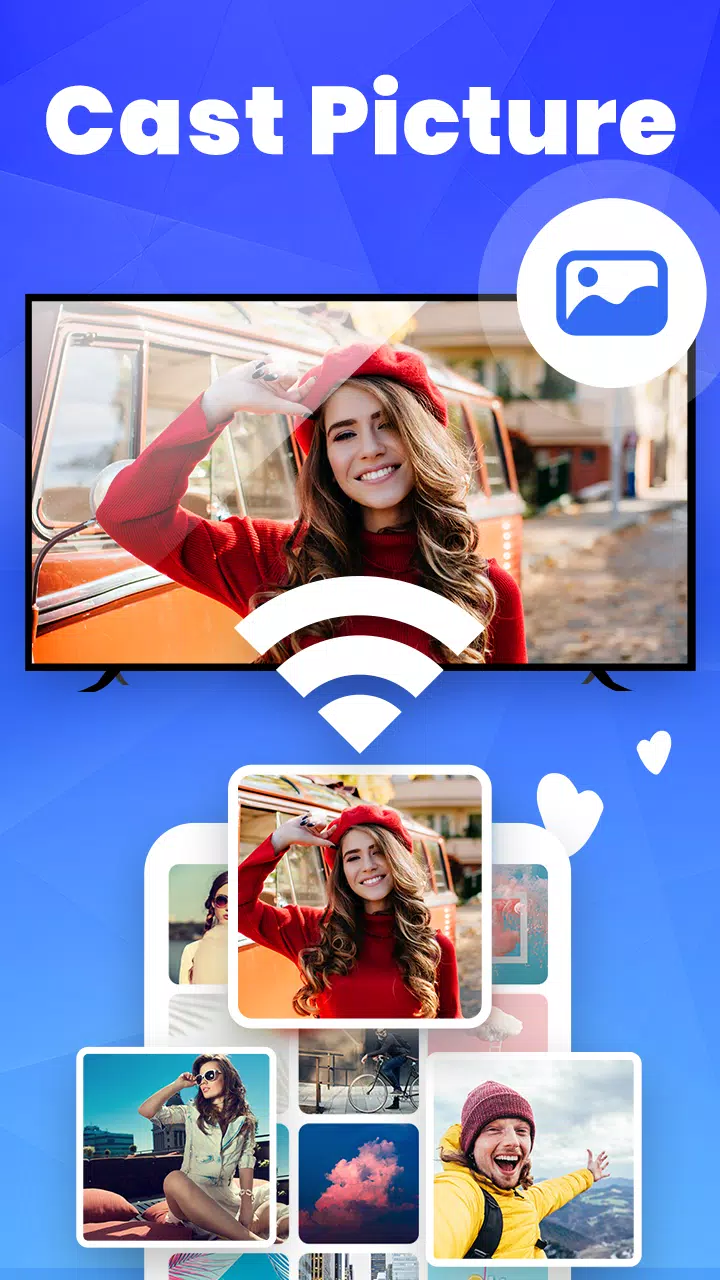
Are you eager to enjoy your phone's movies, games, videos, or pictures on a larger screen via smart view through DLNA? Screen sharing on a big screen can truly enhance your viewing experience.
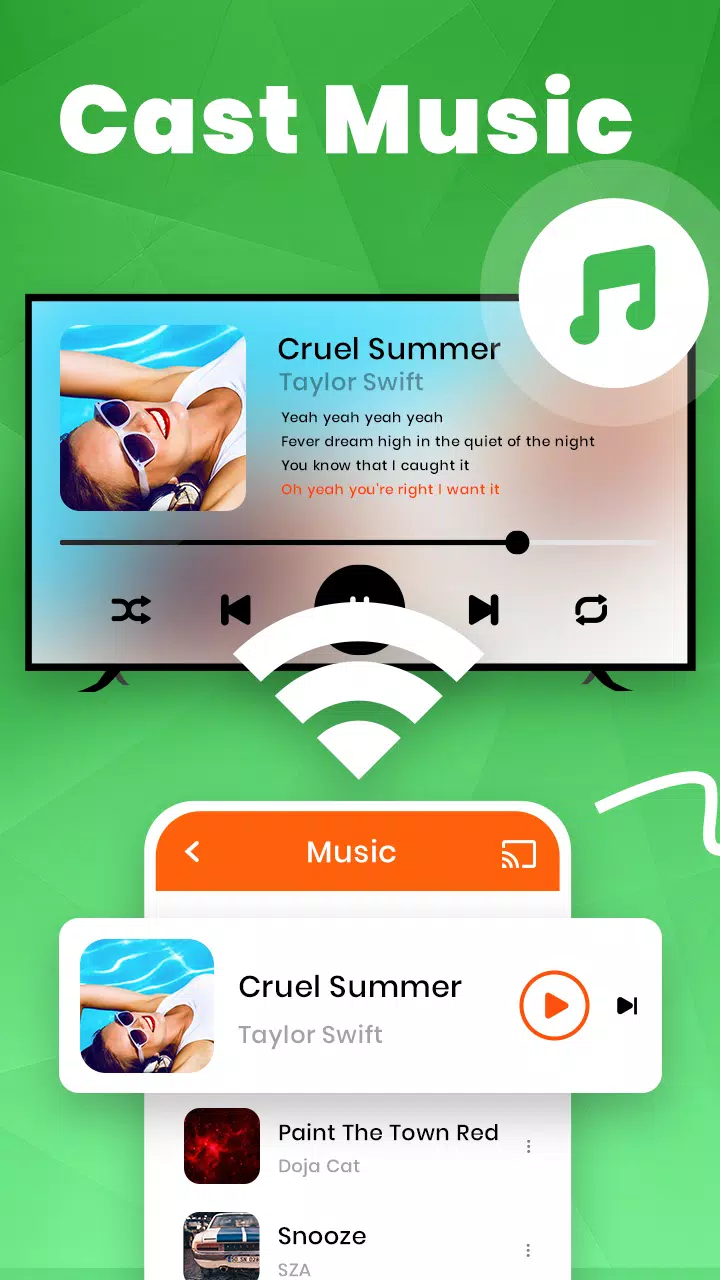
EasyCast offers a comprehensive solution to fulfill your casting needs. Cast your videos, photos, games, music, and movies to your TV with seamless wireless display!
Anycast Feature:
• Effortlessly detects nearby TVs for screen casting via DLNA
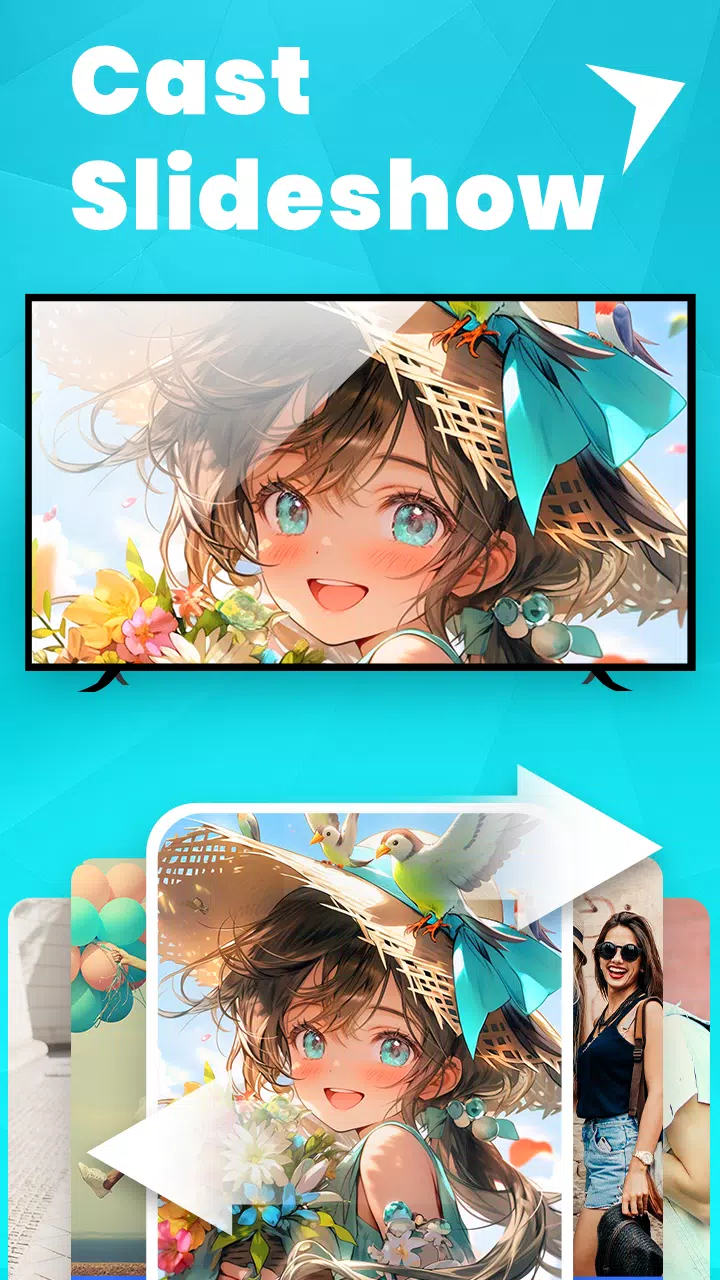
• Scans local and SD card files, including music, audio, video, photos, and PPT/slides
• Supports Chromecast, Miracast, Screencast, Anycast, AllShare Cast, TV Cast, and Airplay for all media types
• Ensures low latency for smooth wireless display
• Offers multiple video playback options
• Includes a TV remote control feature
How to screen share from your phone to your TV in smart view?
Disable your VPN and ensure both your phone and TV are connected to the same Wi-Fi network.
Open the app, which will automatically search for available devices nearby. Select the device you wish to cast to.
Choose the local file you want to cast using Samsung Smart View.
Begin enjoying your content on the big screen with stayconnect devices.
Supported Built-in DLNA Devices/Players/Smart TVs:
- Microsoft Xbox One
- Amazon Fire TV & Fire Stick
- Miracast for Android to TV
- Roku, Samsung Smart TV, Vizio, LG Smart TV, Hisense, Sony, Panasonic, Sharp, Toshiba, Philips, Insignia, Videocon DTH, Philco, AOC, JVC, Haier, Westinghouse, Daewoo, Sansui, Sanyo, Akai, Polaroid, Mi TV, Huawei TV, etc.
- Other DLNA TV equipment
Disclaimer:
- Ensure your TV is DLNA certified before use.
- This app is not an official product of any TV brand and is not affiliated with any mentioned brands.
- Understand the differences between screen mirroring, Samsung DeX, and Miracast. TV casting does not replicate your phone's screen like screen mirroring does. You can close the app and perform other actions on your phone without interrupting the casting.
What's New in Version 4.6.4
Last updated on Oct 25, 2024
⭐ Supports all smart TVs
⭐ Provides stable and fast connections
⭐ Enables one-click casting from your phone