
How To Fix ‘Mission Not Complete’ in Ready or Not
So, you aced that Ready or Not mission – neutralized threats, rescued hostages, the works. Yet, you're staring at the infuriating "Mission Not Complete" message. Don't worry, it happens. Here's how to troubleshoot this common issue.
Troubleshooting "Mission Not Complete" in Ready or Not
1. Objective Double-Check: Did You Really Do Everything?
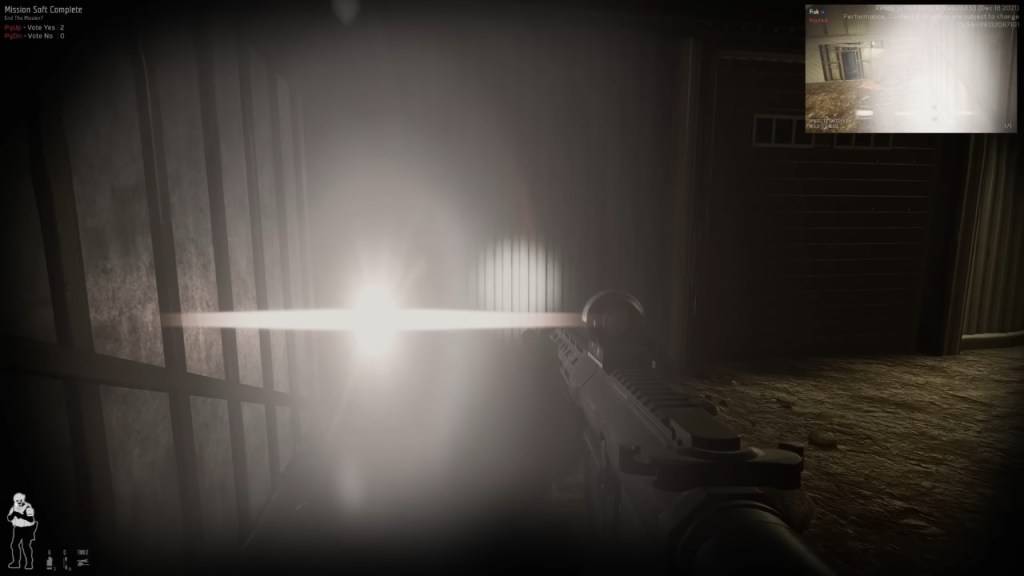
Before you rage-quit, meticulously review your objectives. The game might have a different idea of "complete" than you do. Even if you think you're done, a missed objective prevents mission completion. To check:
- Press Tab: Access the mission menu and scrutinize the objective list. Red or incomplete objectives are your culprits.
- Common Overlooked Tasks:
- Reporting downed suspects/civilians: Interact with (default F key) each incapacitated or deceased individual, both suspect and civilian.
- Securing evidence: Collect dropped weapons, bombs, and other crucial evidence.
- Completing optional objectives: These often involve disabling security systems or similar tasks.
- Ensuring hostage safety: Verify all hostages are properly rescued and untied.
Fix: Thoroughly retrace your steps and ensure every task is checked off.
Related: All Soft Objectives in Ready or Not, Listed
2. The Multiplayer Vote-to-End Hurdle
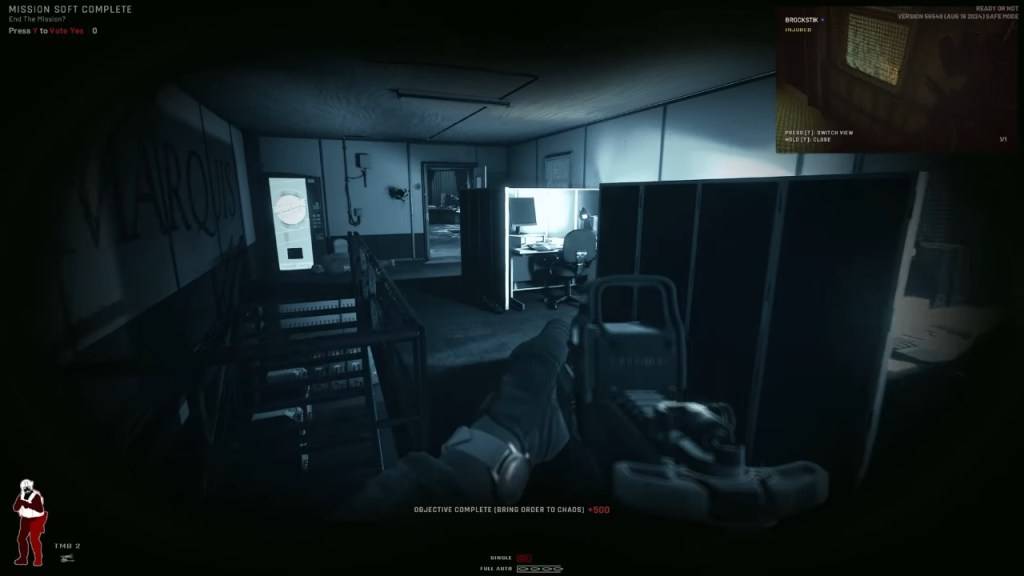
This is a frequent multiplayer stumbling block. In co-op, every player must vote to end the mission. A single missed vote triggers the "Mission Not Complete" error.
Fix:
- Y Key (Default): Ensure all players press Y (default) when the vote prompt appears.
- Communication is Key: Remind absent-minded teammates via voice or text chat.
- AFK Players: If a player is AFK, you may need to wait or remove them from the session.
- Restart: If the vote screen isn't appearing, try restarting the mission.
- See also: Our guide on fixing "Can't Connect to Host" in Ready or Not.
3. Wrestling with Objective Bugs
Sometimes, despite perfect execution, the game glitches.
Common Bugs:
- The game fails to register secured weapons.
- A hostage remains "unrescued" despite being freed.
- An objective stubbornly remains incomplete despite meeting all requirements.
Fix:
- Restart the Mission: Often the simplest solution.
- Switch Hosts (Multiplayer): The game's objective registration can vary between players.
- Verify Game Files: (Steam > Right-click Ready or Not > Properties > Local Files > Verify Integrity of Game Files) This checks for and repairs corrupted files that might be causing problems.
The "Restart and Hope" Method (Last Resort)
If all else fails, a mission restart is your final option. While inconvenient, it's sometimes the quickest fix, especially considering Ready or Not's ongoing development.
Ready or Not is available now on PC.
-
 One of the finest ultra-slim gaming laptops sees a significant price cut ahead of Black Friday. Amazon is currently selling the 2025 Razer Blade 14—featuring a 14" OLED screen, the newest AMD Ryzen AI 9 processor, and an NVIDIA GeForce RTX 5070 graphAuthor : Evelyn May 23,2026
 -
Spider-Man 2 is out now on PC and PS5. With two heroes, a bigger New York City, and a rogues' gallery of villains, you might be wondering just how much time you'll spend swinging through the streets. So, exactly how long is Spider-Man 2? Below, we'llAuthor : Andrew May 23,2026
-
 Kano Battle Royale ( Quiz - Guess )Download
 -
 Ludo Master : Ultimate Dice GameDownload
 -
 Bingo Royale HDDownload
 -
 Sun88:đánh bài, nổ hũ, lô đềDownload
 -
 Hungry T-Rex Island Dino HuntDownload
 -
 캐슬케이퍼Download
 -
 Sugar RushDownload
 -
 Money Mafia Slot MachineDownload
 -
 FashionVerse: Dress Up GameDownload
 -
 Punch Action: Rubber ArmsDownload











- STALKER 2: Heart of Chornobyl - All Endings (& How to Get Them)
- Metaphor: ReFantazio - Complete Bond Guide
- NYT Hints and Answers: Guide to January 10, 2025
- Steampunk RPG Eldgear Unveiled by KEMCO
- Discover the Artifacts in Stalker 2: Locations and Acquisition
- Mushroom Go! Unleashes Co-op Dungeon Adventure for Fungi Fans