 Download
SnapArt Pro: Unleash Your Inner Artist with Powerful Photo Editing
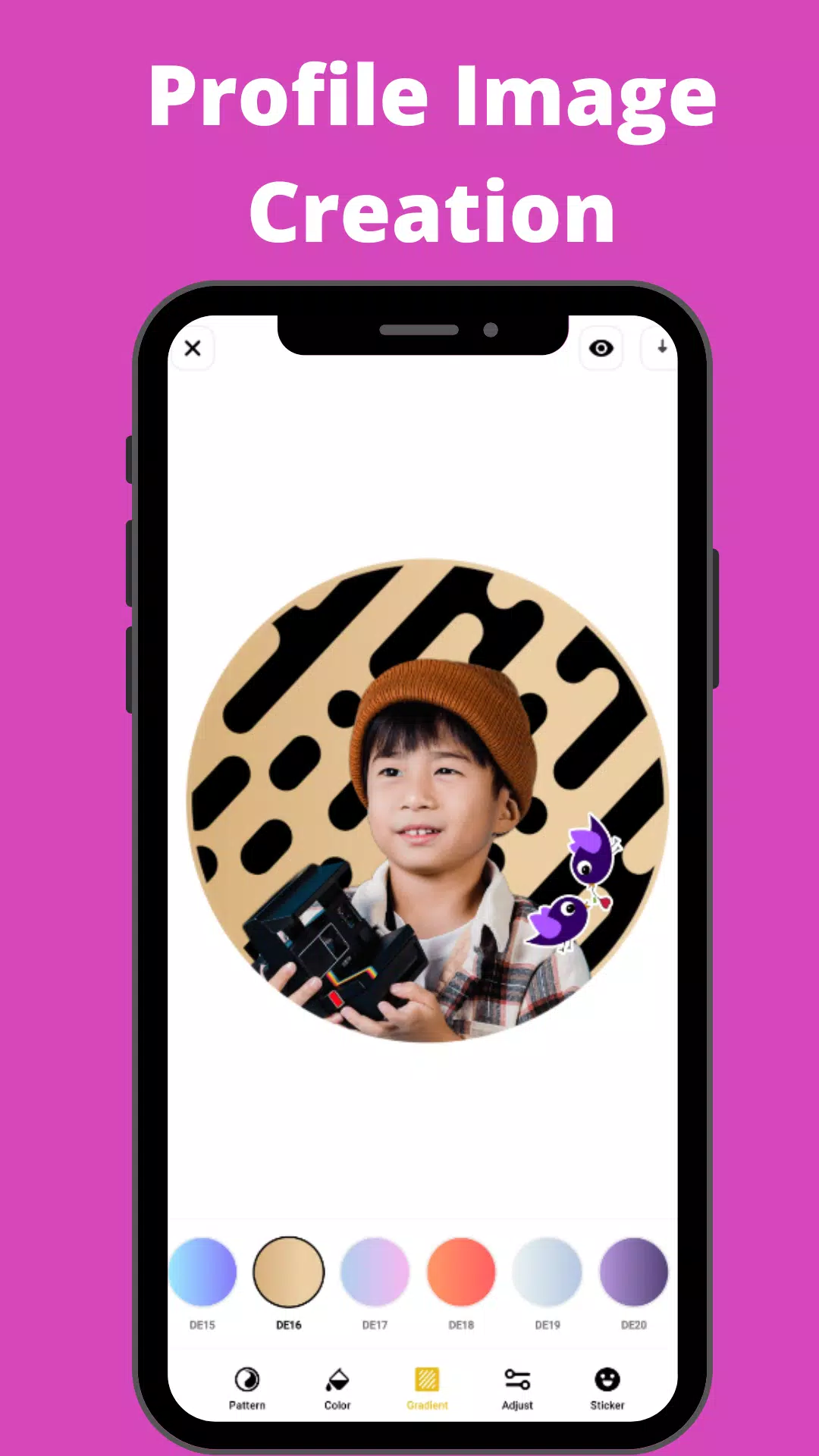
Transform your photos into stunning works of art with SnapArt Pro, a comprehensive photo editor packed with features. Create captivating photo collages, effortlessly remove backgrounds, and add stylish stickers – all within a single, user-friendly app.
Apply incredible filters and effects with a single tap. SnapArt's intuitive interface makes photo enhancement a breeze. Your creations are automatically optimized for major social media platforms like Instagram, Facebook, Pinterest, and Twitter, ensuring your photos always look their best. And the best part? It's all completely free!
Key Features:
-
150+ Free Filters: Explore a vast library of filters, including Vintage, Euro, Film, Fuji, Kodak, Black and White, Lomo, Mood, Movie, and many more. Fine-tune the strength of each filter to perfectly match your style.
-
Precise Color Control: Utilize the HSL color picker for precise adjustments to hue, saturation, and lightness across seven color channels. Achieve professional-level color grading with ease.
-
Body Retouching: Perfect your figure by subtly adjusting specific areas like waist, hips, legs, or torso.
-
One-Tap Cropping: Presets tailored for major social networks make resizing and cropping effortless. Rotate and flip your images with ease.
-
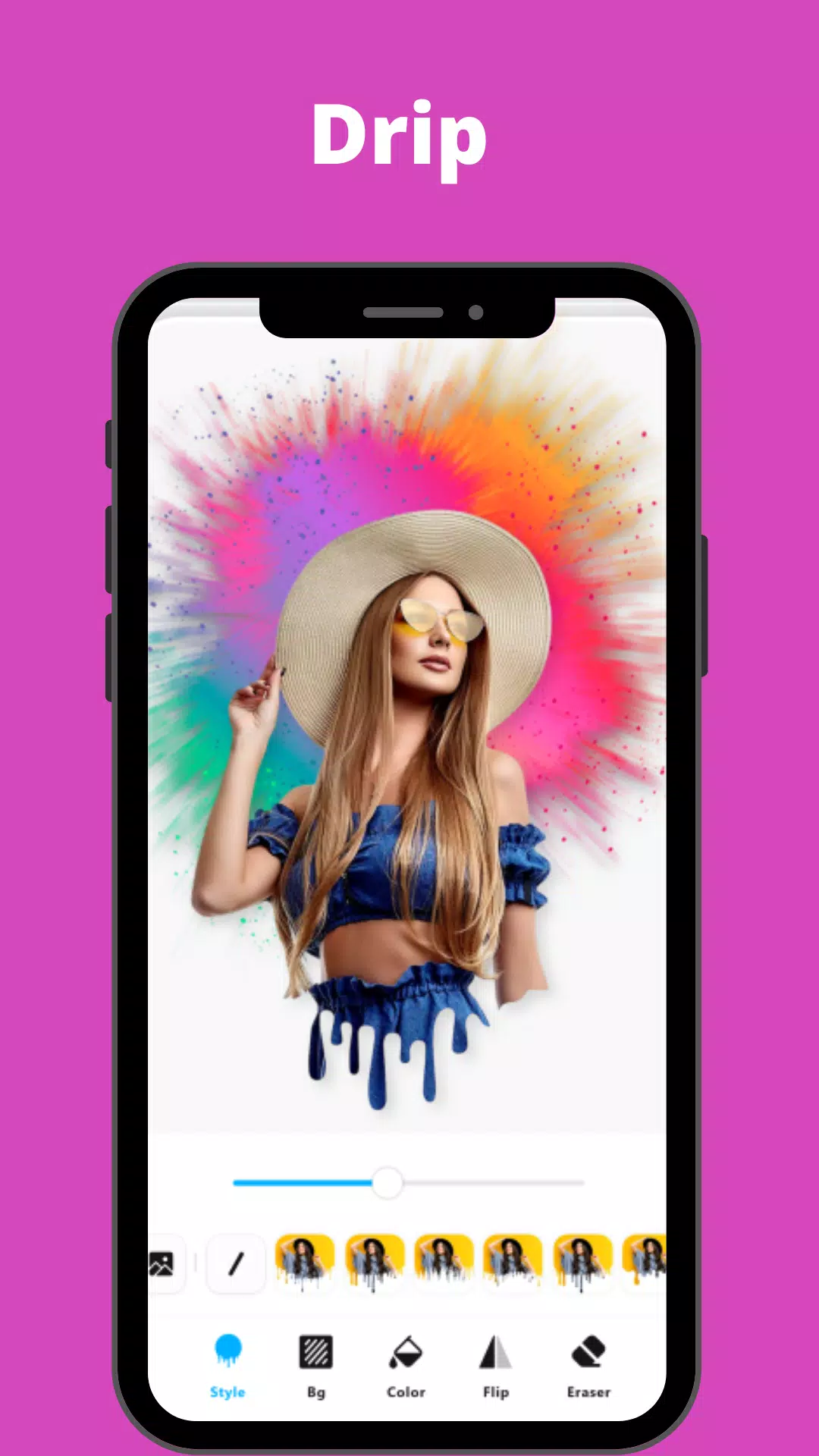
12 Creative Effects & Background Blur: Apply effects like Drip, Overlay, Neon, Motion Effect, and more. Achieve a professional DSLR blur effect to beautifully soften backgrounds.
-
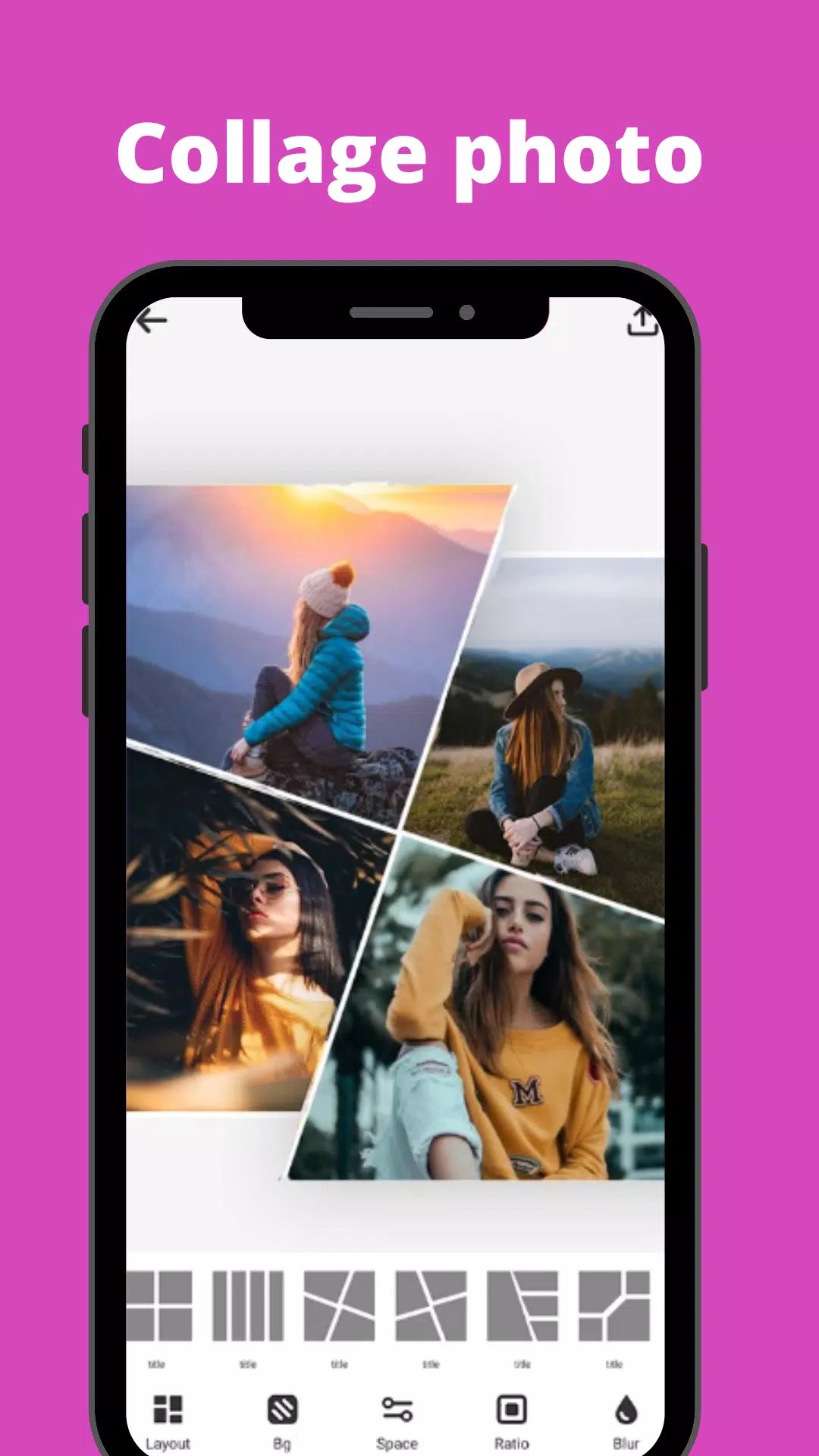
Photo Collage Maker: Create stylish collages with up to 9 pictures. Choose from 100+ grids and backgrounds, and customize spacing and ratios. Seamlessly blur backgrounds for a polished look.
-
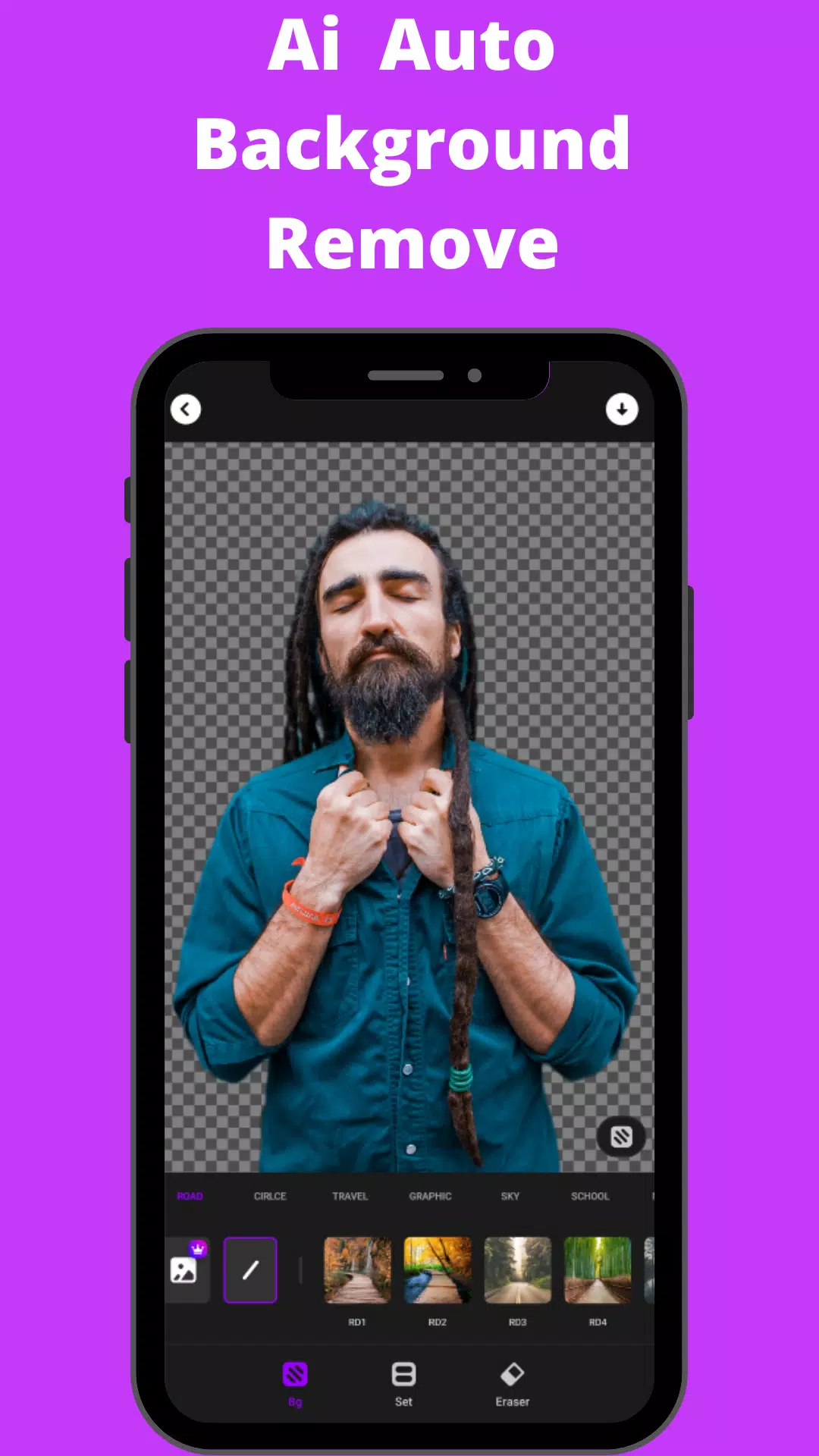
Background Eraser: Easily remove or change unwanted backgrounds. Use preset templates for quick edits or create custom backgrounds.
-
HSL Color Mode: Master hue, saturation, and luminance adjustments across 7 color channels.
-
Basic Photo Editing Tools: Fine-tune highlights, brightness, shadows, contrast, warmth, exposure, and sharpness. Selective enhancement options provide ultimate control.
-
Add Text to Photos: Add text to your photos using a variety of fonts and styles. Customize background colors and styles for each text element.
-
Rotate and Crop: Crop photos freely with social media presets. Quickly rotate photos to any angle.
-
Photo Library History: Easily access your photo editing history. Quickly identify edited photos in your gallery.
SnapArt Pro also includes glitch effects, photo blending, splash effects, motion effects, and shadow effects.
Permissions: SnapArt Pro requires "READ_EXTERNAL_STORAGE, WRITE_EXTERNAL_STORAGE" permissions for photo editing and saving.
Disclaimer: SnapArt is an independent entity and is not affiliated with Instagram, Facebook, Pinterest, or Twitter.
What's New in Version 2.37 (July 13, 2024): Bug fixes.
Download SnapArt Pro today and start creating extraordinary photos!