 Download
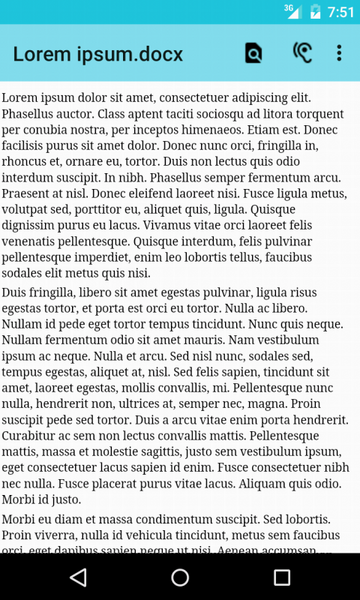
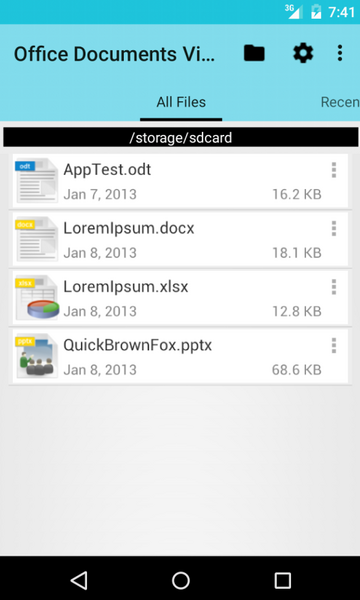
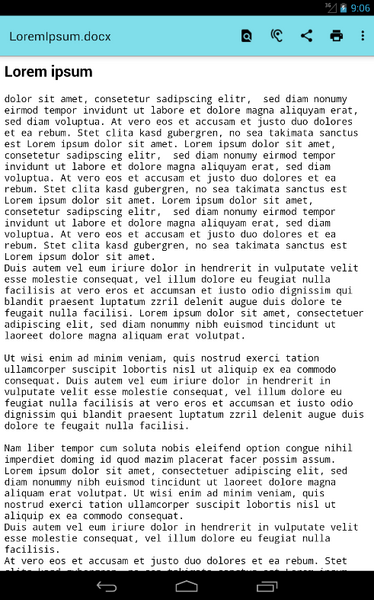
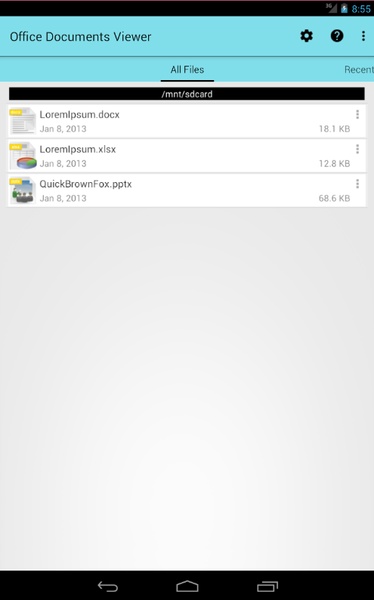
Office Documents Viewer (Free) is a straightforward and user-friendly file viewer designed for OpenOffice and Microsoft Office documents. This app empowers you to effortlessly open text documents stored on your SD card, within Dropbox folders, or downloaded files from emails. Featuring an intuitive interface, Office Documents Viewer (Free) offers a zoom function to magnify less visible areas and allows you to create copies for printing, sending, or listening with its integrated document reader.
Supporting a wide range of formats, including OpenOffice, LibreOffice, Microsoft Office 2007, and Microsoft Office 97, as well as RTF, HTML, TXT, CSV, PDF, and TSV, this app proves to be a valuable tool for handling multiple formats concurrently. However, it's important to note that large spreadsheets may take longer to open and might not display fully, and viewing documents containing images depends on the supported format of your Android browser. It's also worth mentioning that password-protected documents cannot be displayed.
Click here to download the app and streamline your document viewing experience.
Features of the App:
- Compatibility with OpenOffice and Microsoft Office formats: The app enables users to open any text document without encountering compatibility issues or corrupted formats.
- Access to stored documents: Users can open documents stored on the internal memory of SD cards, in Dropbox folders, or downloaded files or email attachments.
- Simple interface and functions: The app boasts a user-friendly interface and straightforward functions, making it easy to navigate.
- Zoom option and document reader: It includes a zoom option to enlarge less visible areas and a built-in document reader that allows users to create copies for printing, sending, or listening to.
- Support for various formats: Users can open almost all formats from OpenOffice, LibreOffice, Microsoft Office, and Microsoft Office, as well as other formats such as RTF, HTML, TXT, CSV, PDF, and TSV.
- Working with multiple formats: The app is a useful tool for working with many different formats at once.
Conclusion:
Office Documents Viewer (Free) is a versatile file viewer app that provides seamless compatibility with popular office document formats. The app's ability to access documents stored in different locations and its simple interface make it convenient and user-friendly. The zoom option and built-in document reader further enhance the viewing experience. However, there are some drawbacks, such as the slow loading time for large spreadsheets and limitations in viewing images depending on the Android browser's supported formats. Additionally, the app does not support password-protected documents. Overall, Office Documents Viewer (Free) is a valuable tool for opening and working with various office document formats, but users should be aware of its limitations. Click here to download.









![xnxx app [Always new movies]](https://images.0516f.com/uploads/97/17200569726685fc8cd0162.png)