 下载
下载Internet safety for children. Child Locator, Instant Block, screen time limits, and safe search features.
We understand how challenging it can be to set digital boundaries for your children. Our aim is to provide you with peace of mind, knowing they are safe while using smartphones and tablets.
1. Left to their own devices, many children would spend every waking moment on their phones. With App Guard, you can set daily limits for games and restrict playtime during school hours or at night. It automatically manages apps and games, ensuring kids only access age-appropriate content.
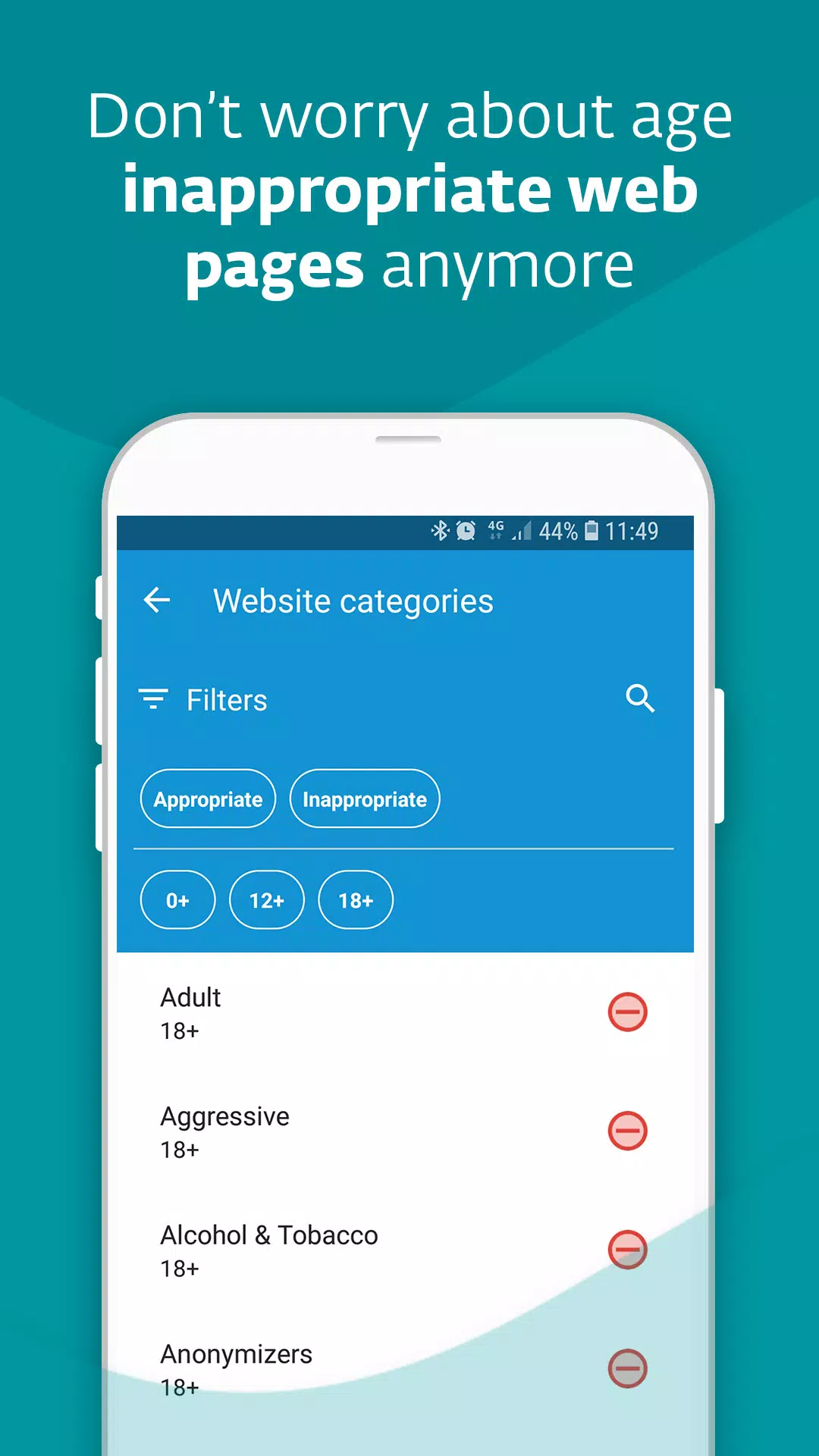
2. When children are online, they might encounter websites with fake news, violence, or adult material. Web Guard protects your kids' internet safety by blocking access to inappropriate pages.
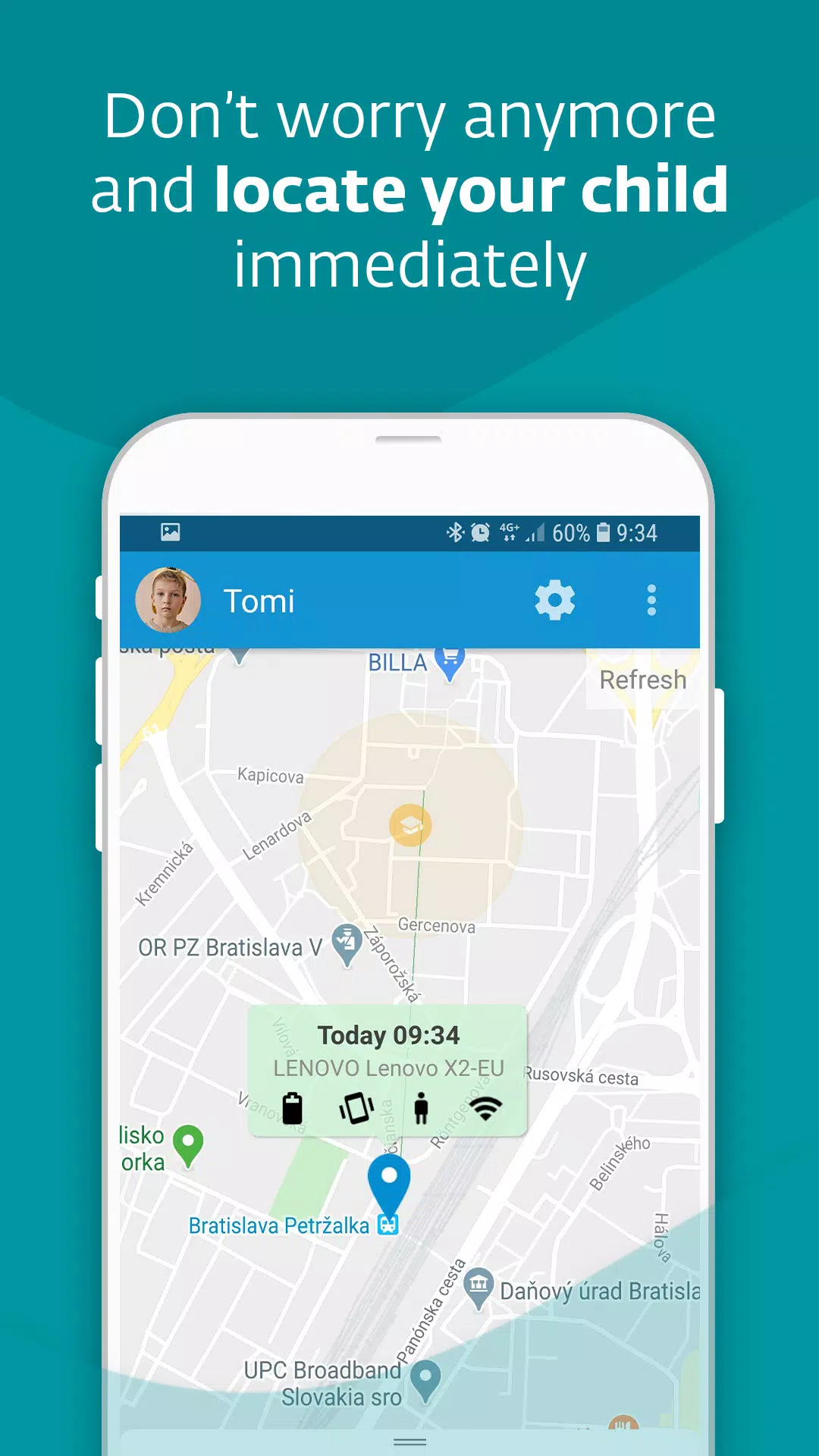
3. If your child hasn't returned from school and isn't answering their phone, the Child Locator shows the current location of their device. Additionally, Geofencing sends you a notification if your child enters or leaves a predefined safe zone on the map.
4. Worried about your child's phone battery dying, leaving you unable to reach them? Set up the Battery Protector to limit gameplay when the battery falls below a specified level.
5. Does your child have an important task to complete, and you're concerned they'll get distracted by their phone? Use Instant Block to temporarily disable games and entertainment apps. If your child has free time, you can also pause time limits temporarily with Vacation Mode.
6. Are the rules feeling too strict? Has a newly installed app been blocked? Children can ask for an exception, and parents can approve or deny these requests instantly.
7. Need to adjust the rules? Simply sign in to my.eset.com on any PC or mobile device to make changes remotely. If you, as a parent, use an Android phone, install our app in parent mode to receive instant notifications.
8. Can't get through to your child on the phone? Check the Devices section to see if they've silenced their phone or gone offline.
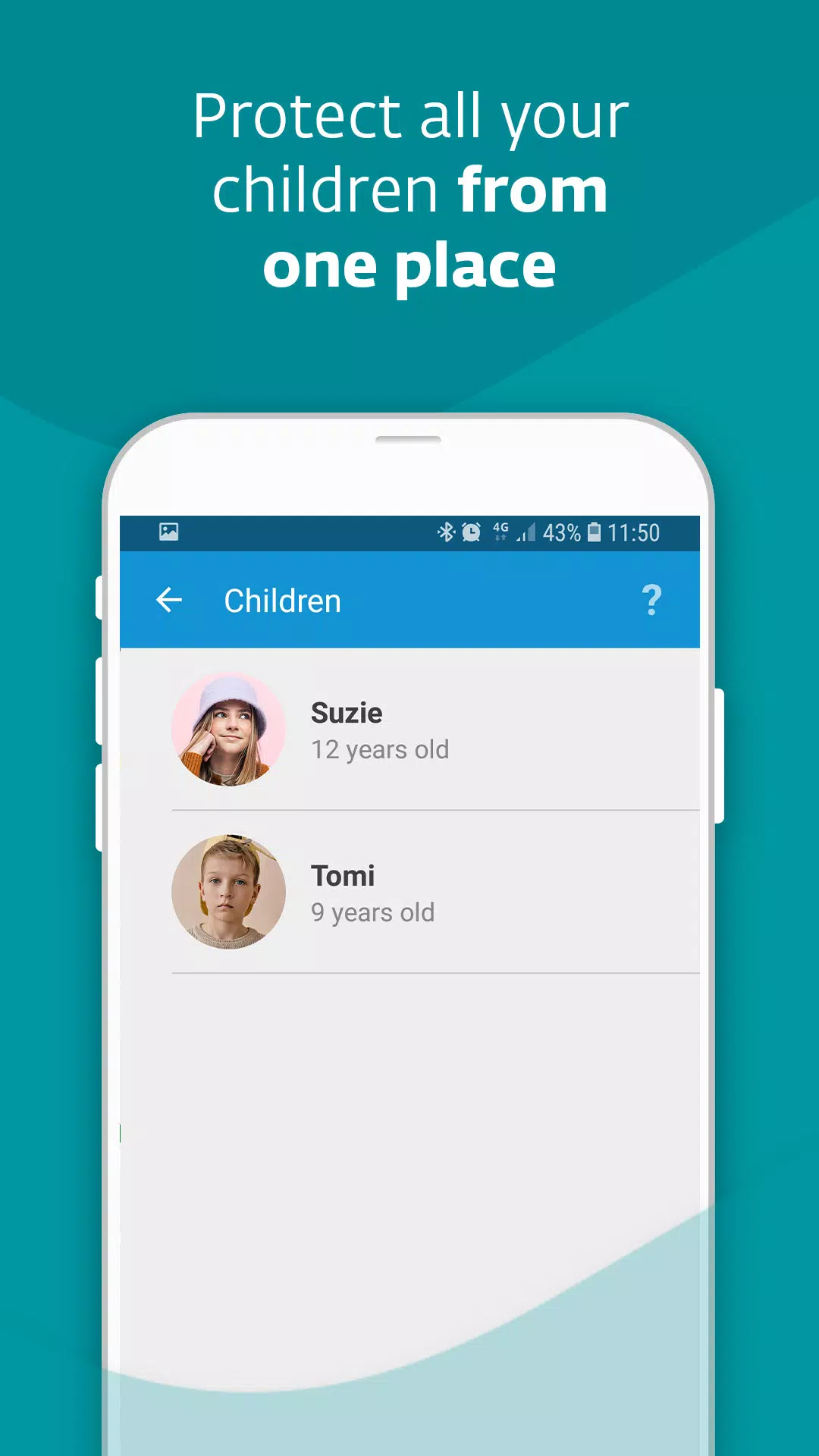
9. Do you have multiple kids with smartphones or tablets? One license covers multiple devices, keeping your entire family protected.
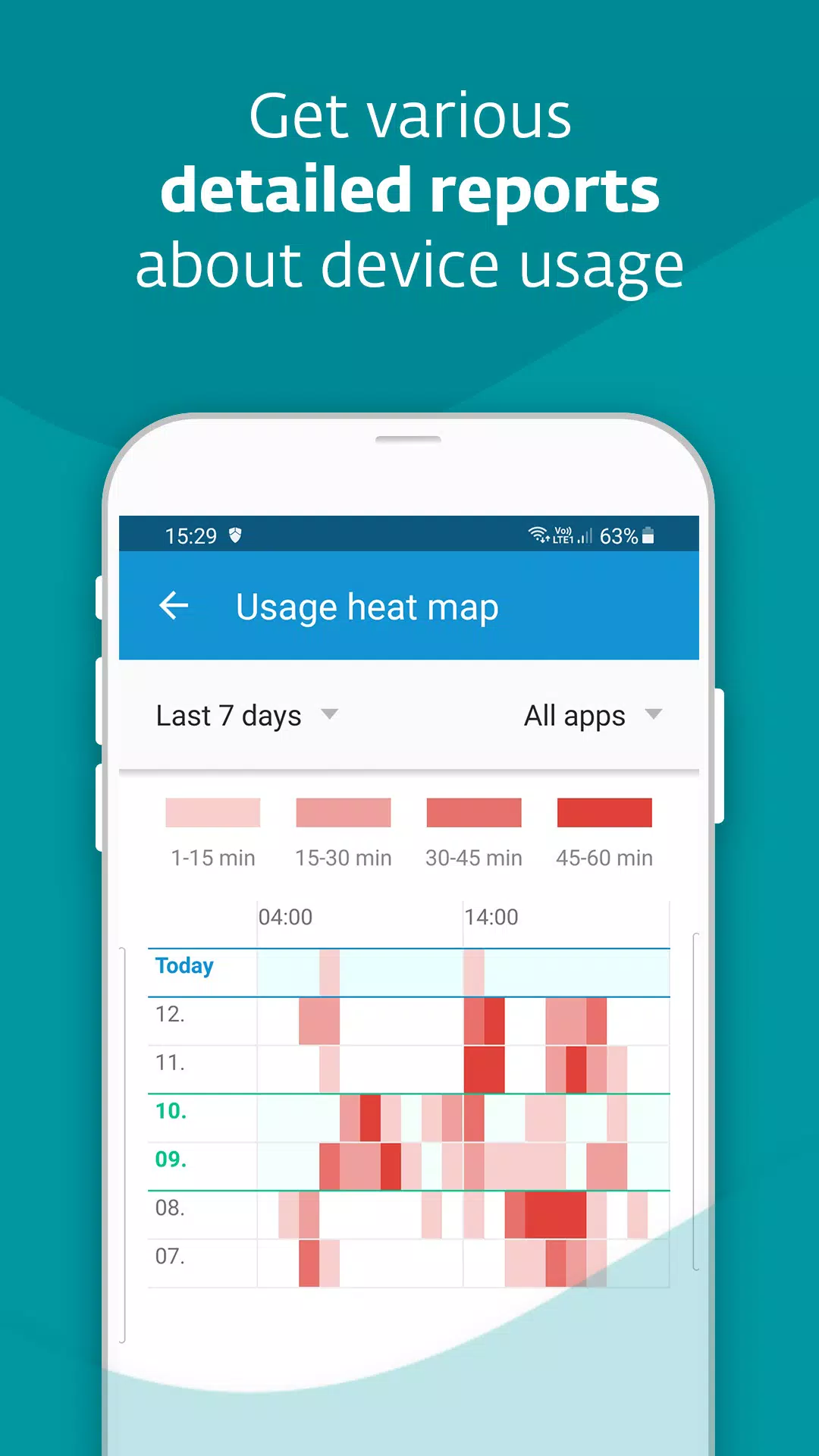
10. Want insights into your child's interests and screen time? Reports provide you with detailed activity summaries.
11. Concerned about a language barrier? Don't worry—our app communicates with children in 30 different languages.
PERMISSIONS
This app uses the Device Administrator permission. This allows us to ensure that:
- Your children cannot uninstall ESET Parental Control without your knowledge.
This app uses Accessibility services. ESET will be able to:
- Anonymously protect your children from inappropriate online content.
- Track how much time your children spend playing games or using apps.
Find more information about permissions requested by ESET Parental Control here: https://support.eset.com/kb5555
WHY IS THE APP RATING LOW?
Please note that children can also rate our app. Some may be unhappy that it filters content they find intriguing but is entirely inappropriate for their age.
HOW TO CONTACT US
If you're experiencing any issues with our app, have suggestions for improvement, or simply want to share feedback, contact us at [email protected].