
 下载
下载Parental tracker app and locator: Find your child's smartwatch and phone
Pingo is the companion application to the Findmykids locator, designed as a parent app. It is built for tracking a child's location. Please install this location tracker only on a device used by a child or teenager.
We recommend first downloading the Findmykids parent tracker app to your own phone. Then, install the Pingo GPS tracker on your child's device and enter the activation code from your Findmykids app membership.
That's it! You can now use the kids' GPS tracker.
OUR KEY FEATURES:
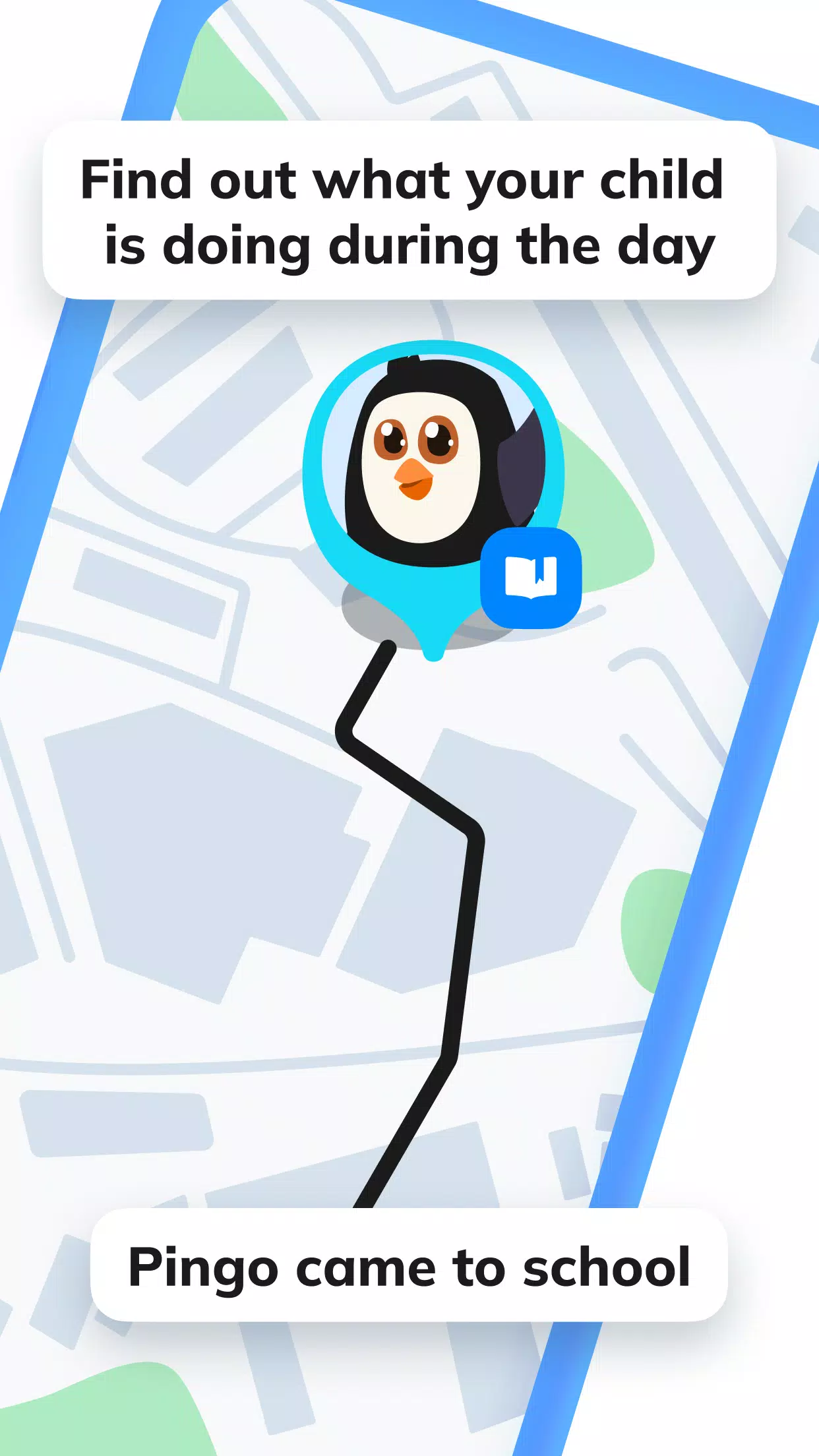
Kids GPS tracker – View your child's real-time location on a map along with a history of their daily movements—an online location diary. Use our locator to ensure your child avoids unsafe areas. You can also connect a child's smartwatch to the Pingo app.
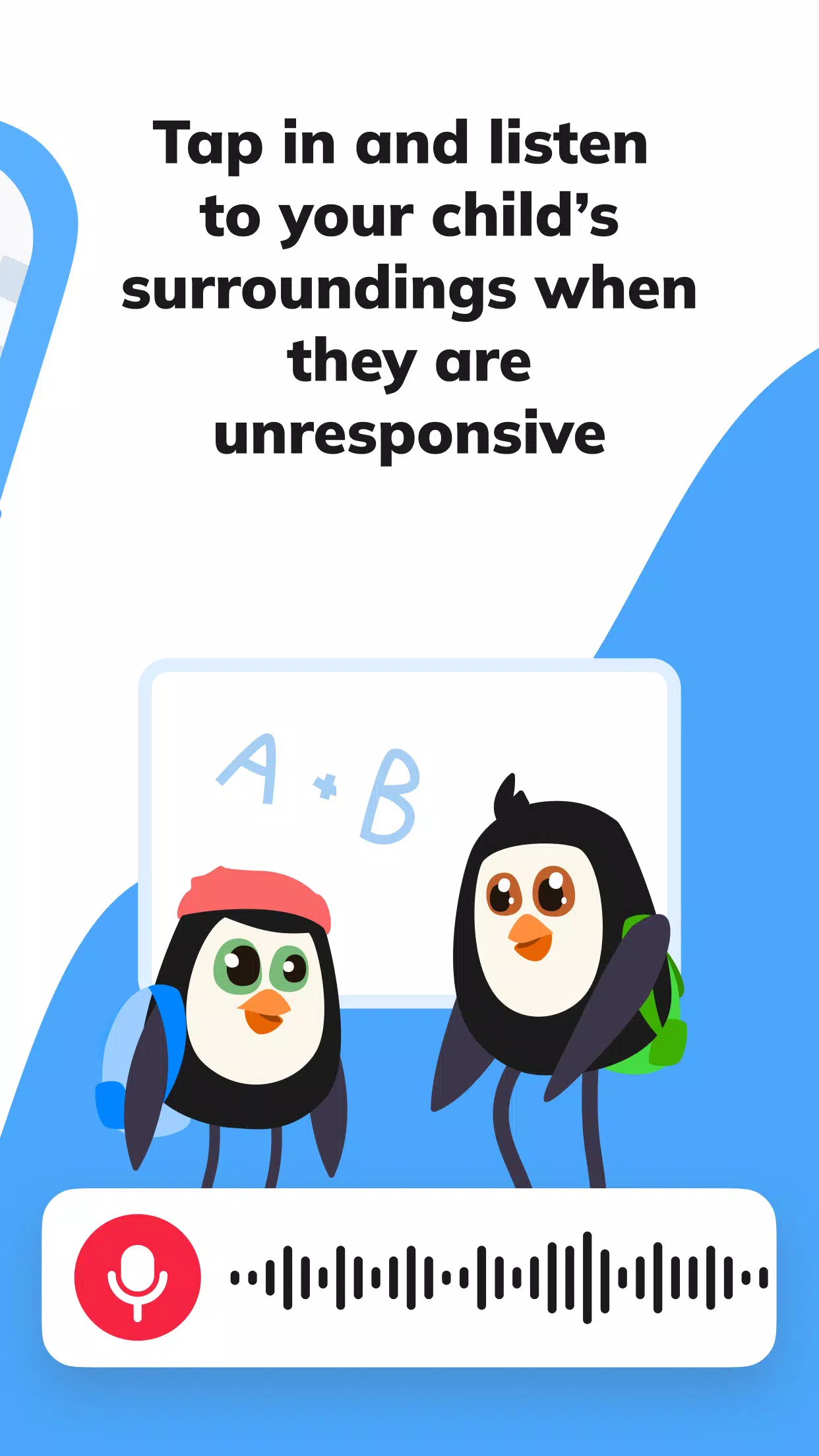
Sound around – Listen to the surroundings of your child through the locator to confirm their well-being. This feature requires the child tracker to be installed and configured on their phone.
Loud signal – Send a loud alert to your child's phone with the tracker installed if they've misplaced it in a bag or set it to silent. If they lose their kids' smartwatch, our GPS watch tracking app can help locate it.
Screen time manager – Monitor which apps were used during school hours and check if they played games instead of focusing in class. The Pingo kids GPS tracker can serve as a full parental control solution.
Notifications – Ensure your child arrives punctually: receive alerts when they reach school, return home, or arrive at other designated places. Our parent tracker app will send the notification.
Battery control – Remind your child to charge their phone on time; you’ll get a warning if the battery runs low. This also works with a kid’s smartwatch and GPS watch tracking app.
Family chat – Communicate with your child in a dedicated chat with fun stickers and voice messages inside the child tracker app.
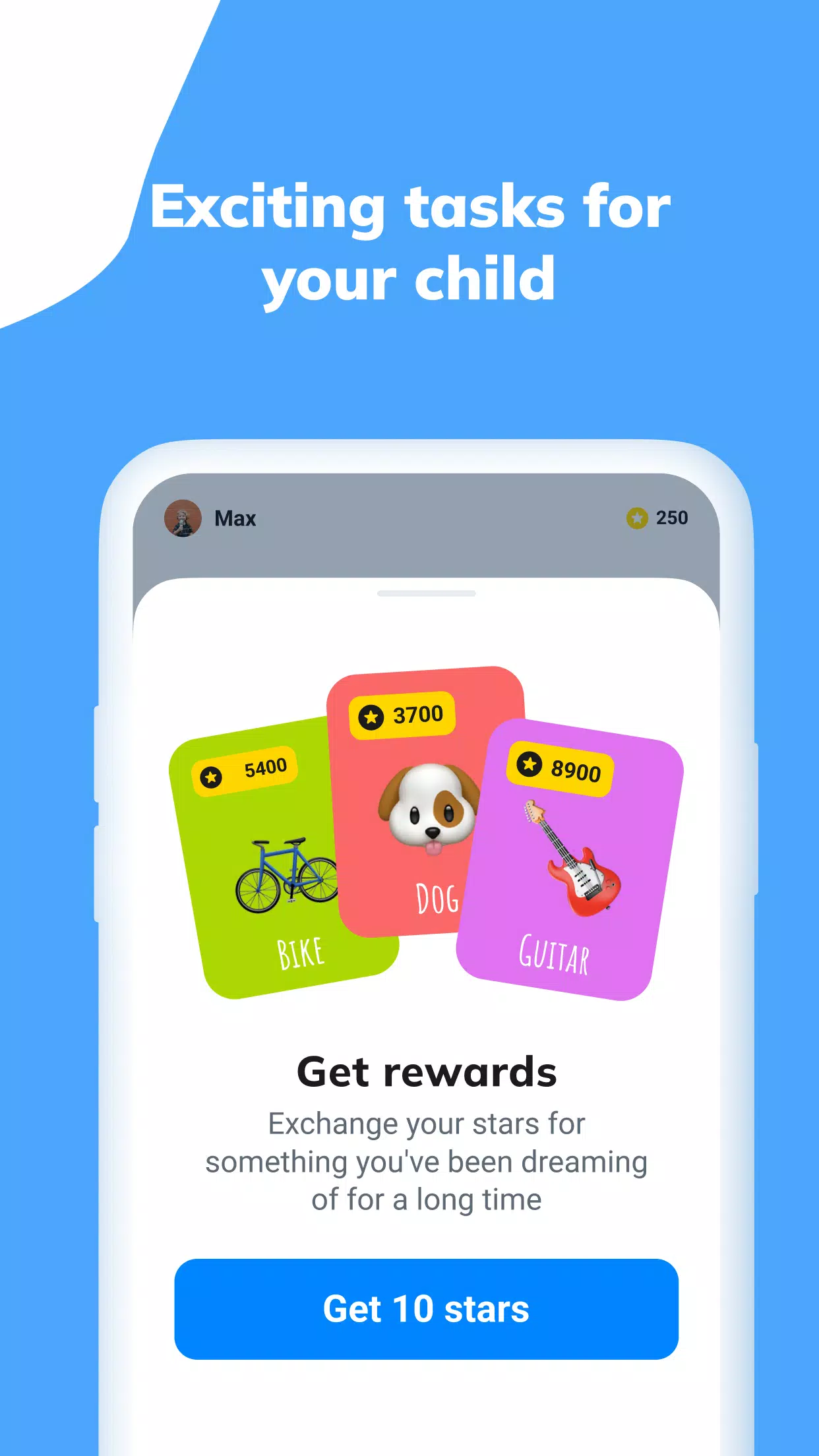
View your child's live location for free once devices are paired. Other features in the free version (such as parental controls for the child's phone) come with some restrictions. A subscription unlocks all app capabilities.
If your child doesn't own a phone, you can purchase a kid's smartwatch and link it to our GPS watch tracking app.
The GPS family tracker requests these permissions:
– Camera and photo access – to set a profile picture for your child;
– Contacts access – to populate the phonebook in the GPS watch;
– Microphone access – to send voice messages in the chat;
– Accessibility services – to help manage screen time limits.
If you experience technical issues with our parent tracker app, you can always reach Findmykids 24/7 support via the in-app chat or by email at [email protected]
### What's New in the Latest Version 2.8.12-google
Last updated on Oct 25, 2024
Can you hear that? It's unmistakable—a gentle ringing sound. Ding-ding. Yes, that's your reminder bell, signaling it's time to update the Pingo app!

-
程序描述
用户评价
发表评价


最新文章
-
 FCM TV 将直播三场 MLS 比赛。 盐湖城现实队对阵洛杉矶 FC,多伦多 FC 对阵迈阿密国际,纽约红牛队对阵纽约城 FC。 观看直播即可赚取独家游戏内奖励。EA Sports FC Mobile 正在扩大其与美国职业足球大联盟(MLS)及 Apple TV 的合作关系,于今年九月为 FCM TV 带来三场全新的直播比赛。赛程将于 9 月 17 日拉开帷幕,盐湖城现实队将在西部联盟焦点战中主场迎战洛杉矶 FC,随后在月底前还有两场比赛。首场比赛由美国国家队新星迭戈·卢纳领衔的盐湖城现实队,作者 : Madison Oct 03,2026
 -
 机械竞技场庆祝上线四周年玩家可领取一台免费机甲及其他奖励开发者圆桌会议提供幕后视角对于《机械竞技场》这款 Plarium 出品的持久多人机甲射击游戏的粉丝来说,今天是一个重要的里程碑。该游戏自发布以来已过去四年,下载量迄今已超过 8000 万次。有什么新内容?自然是一系列免费奖励和诱人的登录理由。周年庆典活动从今天开始,持续至 8 月 28 日。令人印象深刻的独家内容阵容等待开启,包括特殊的箱子冲刺活动和限时德比事件。新手或首次体验《机械竞技场》的玩家会发现全新的免费机甲格外诱人。通过游戏内的促作者 : Ethan Oct 01,2026


热门应用









热门新闻

