 Download
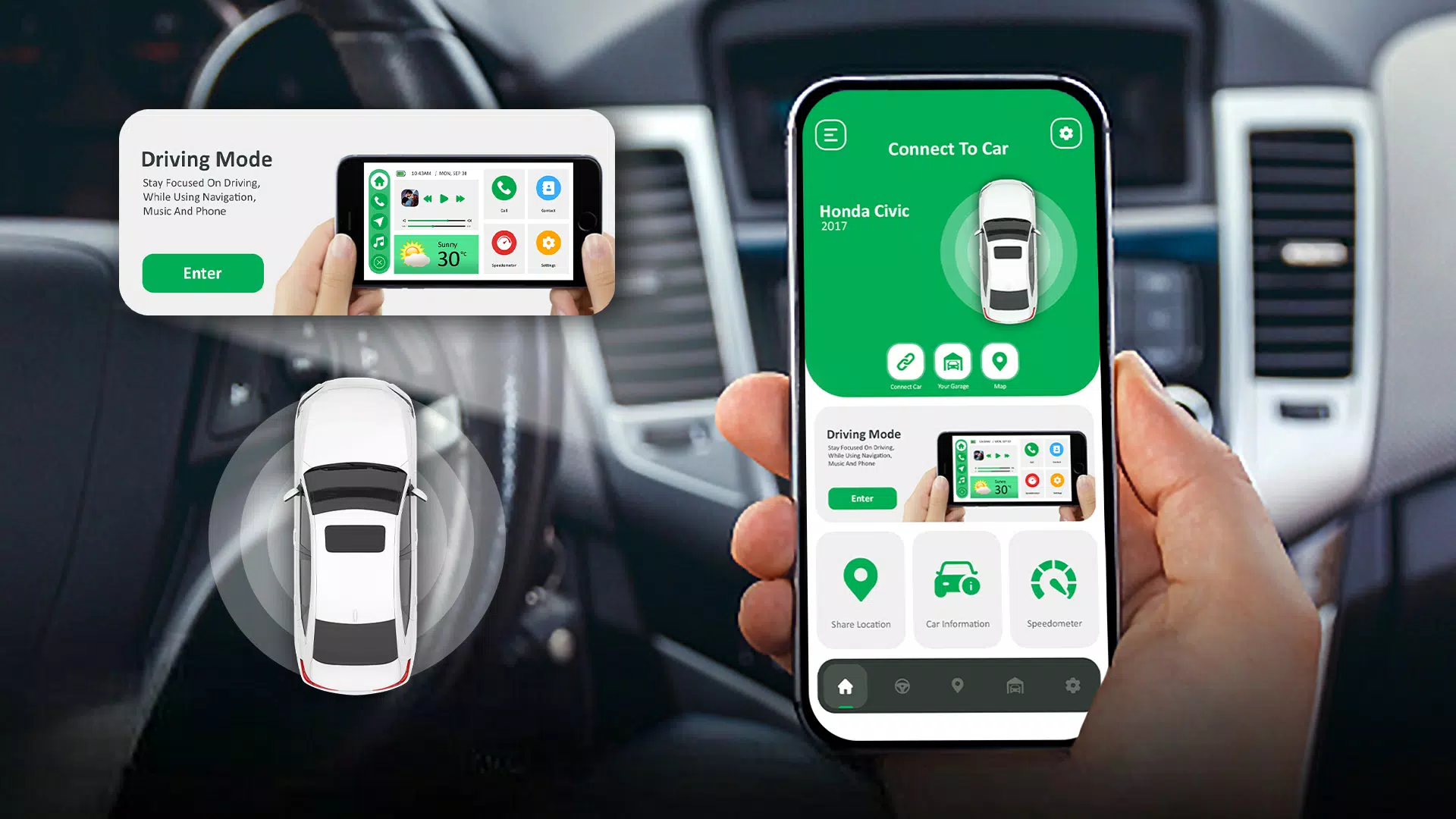
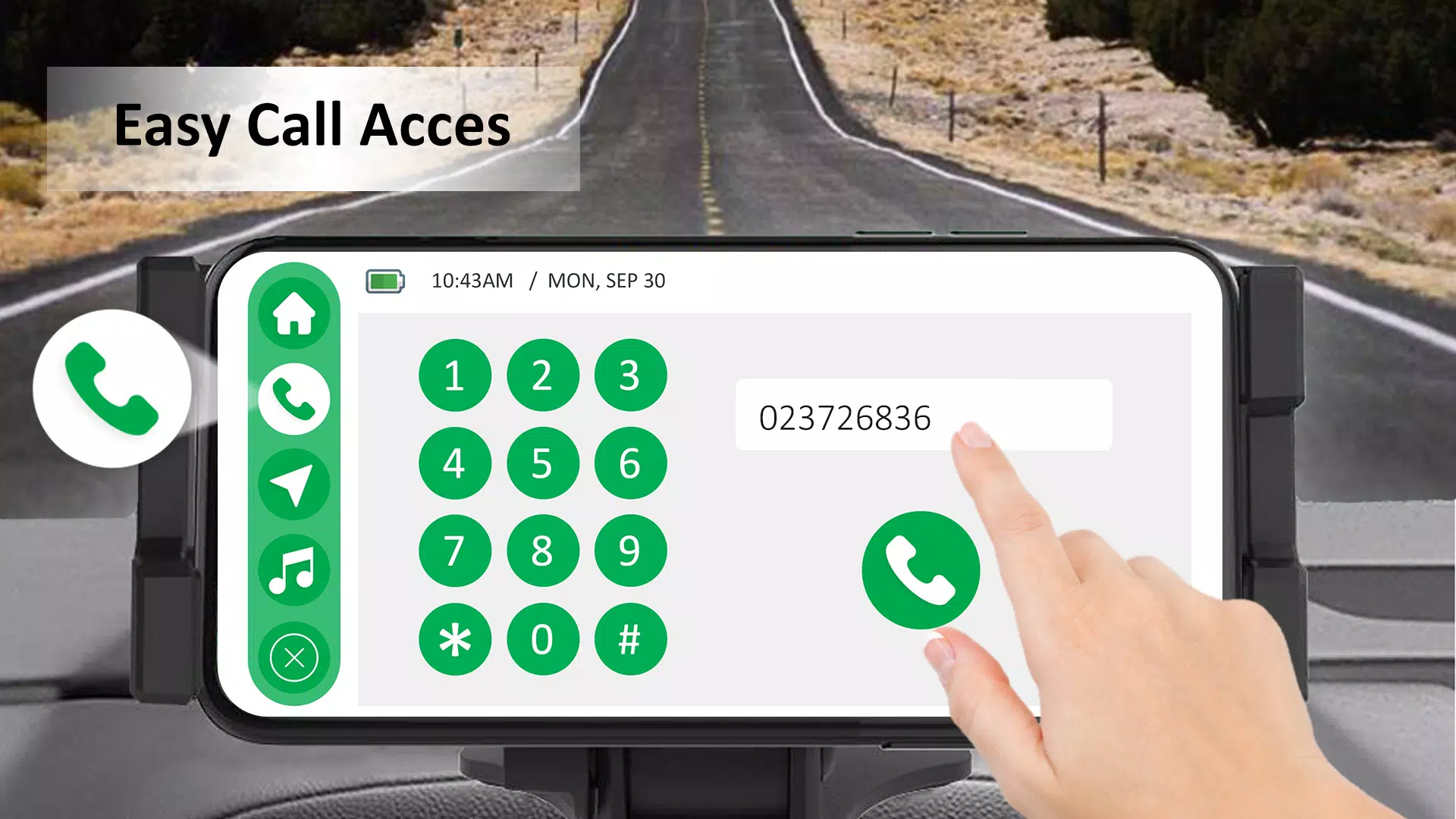
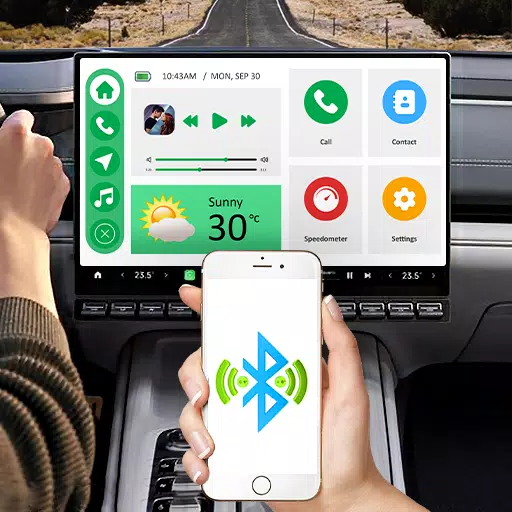
Enhance your driving experience with CarPlay : Android Auto Sync, the perfect solution to mirror your Android device to your car's screen. By connecting your smartphone to your car's dashboard via screencast, Bluetooth, or Wi-Fi, CarPlay for Android provides seamless integration, allowing you to access your favorite apps, contacts, and make calls directly from your vehicle's display. Enjoy the convenience of mirroring your phone's screen onto your car's display, ensuring you stay entertained and informed on the go.
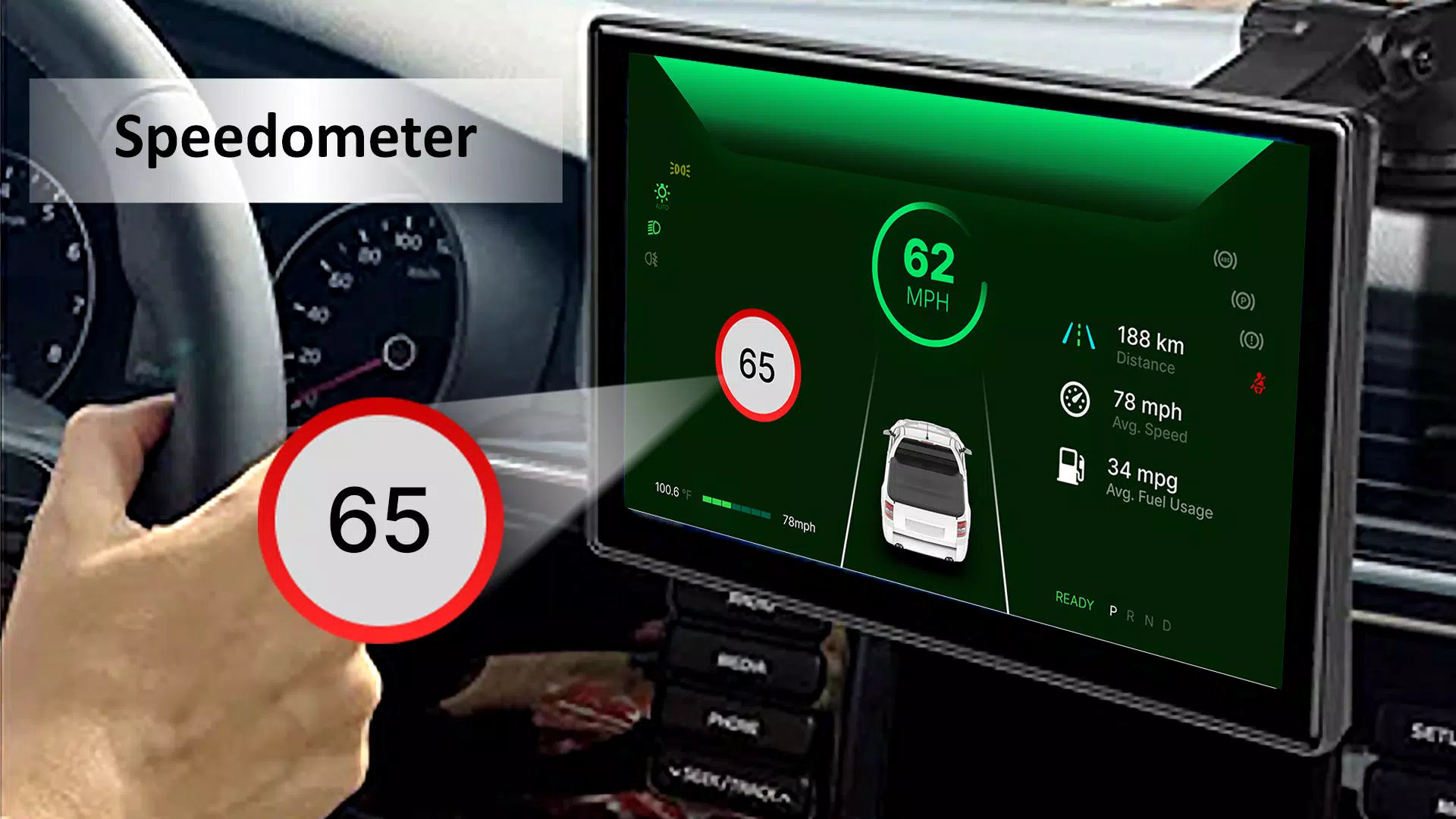
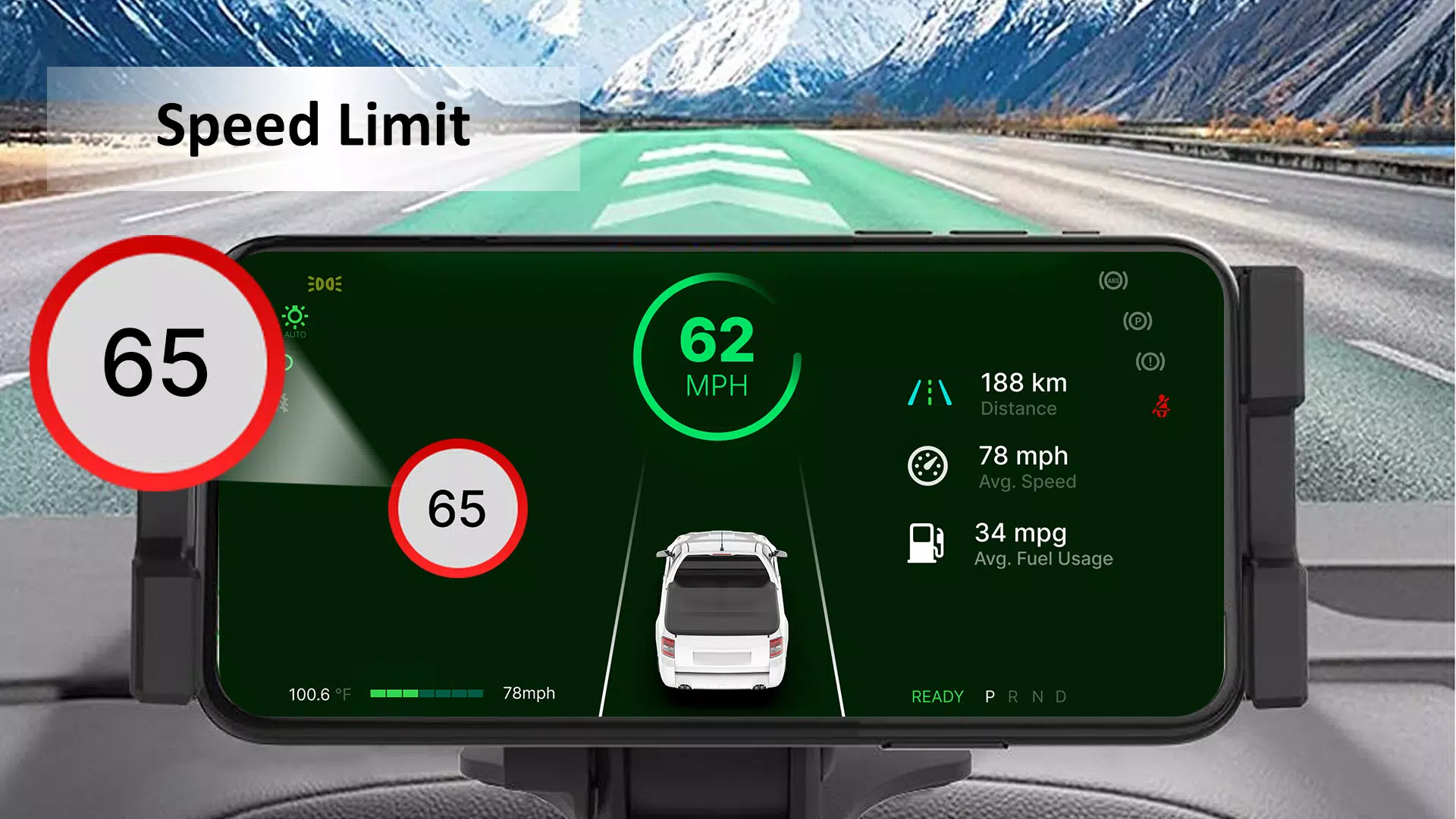
CarPlay for Android Auto Sync not only connects your vehicle and smartphone smoothly but also enhances your driving experience with a range of useful features. Stay focused on the road with easy access to contacts, calls, maps, date, time, and a speedometer in the driving mode. With the speedometer feature, monitor your real-time speed and receive alerts if you exceed your set speed limit, promoting safer driving.
Key Features of CarPlay : Android Auto Sync
1. Driving Mode:
CarPlay Android Auto Sync’s enhanced Driving Mode keeps you focused on the road by providing easy access to contacts, calls, and maps on your dashboard. In this mode, you can also view essential information like the date, time, and your car’s speed through the integrated speedometer.
2. Speedometer:
With the Speedometer feature displayed on your dashboard, you can keep track of your vehicle's speed and enhance safety by setting a speed limit alert.
3. Navigation:
Utilize the Maps and Navigation feature to get accurate directions and real-time updates, ensuring you reach your destinations effortlessly.
4. Different Car Brands:
The Car Play app for Android is compatible with various car brands, including Tesla, BMW, Audi, Mercedes, Ford, Chevrolet, Toyota, Honda, Nissan, Porsche, Lexus, Jaguar, Ferrari, and Lamborghini.
5. Car Information:
Access useful car information about maintenance for older vehicles, car modifications, tire maintenance, and engine diagnostics.
6. Location Sharing:
Enhance your safety by sharing your location with friends or family.
7. Personal Garage:
Manage all your vehicles in one place with the Personal Garage feature, allowing easy access to details for managing your personal garage anytime.
8. Wi-Fi, Cast, and Bluetooth Connectivity:
Connect your smartphone to your car using Wi-Fi, cast, or Bluetooth options to access your phone's content while driving.
Experience a seamless driving journey, staying entertained and informed with Auto Sync and Car Play for Android. CarPlay : Android Auto Sync delivers a smooth navigation experience integrated with Maps for all your navigation needs.
What's New in the Latest Version 1.10
Last updated on Nov 10, 2024
Minor bug fixes and improvements. Install or update to the newest version to check it out!