 Download
SketchPad is the perfect companion for anyone looking to unleash their creativity on the go. Whether you want to sketch, doodle, or simply scribble, this app provides a seamless canvas for your imagination to run wild. With a download size of just 5 MB, SketchPad is incredibly lightweight, ensuring you can start creating without any hassle.
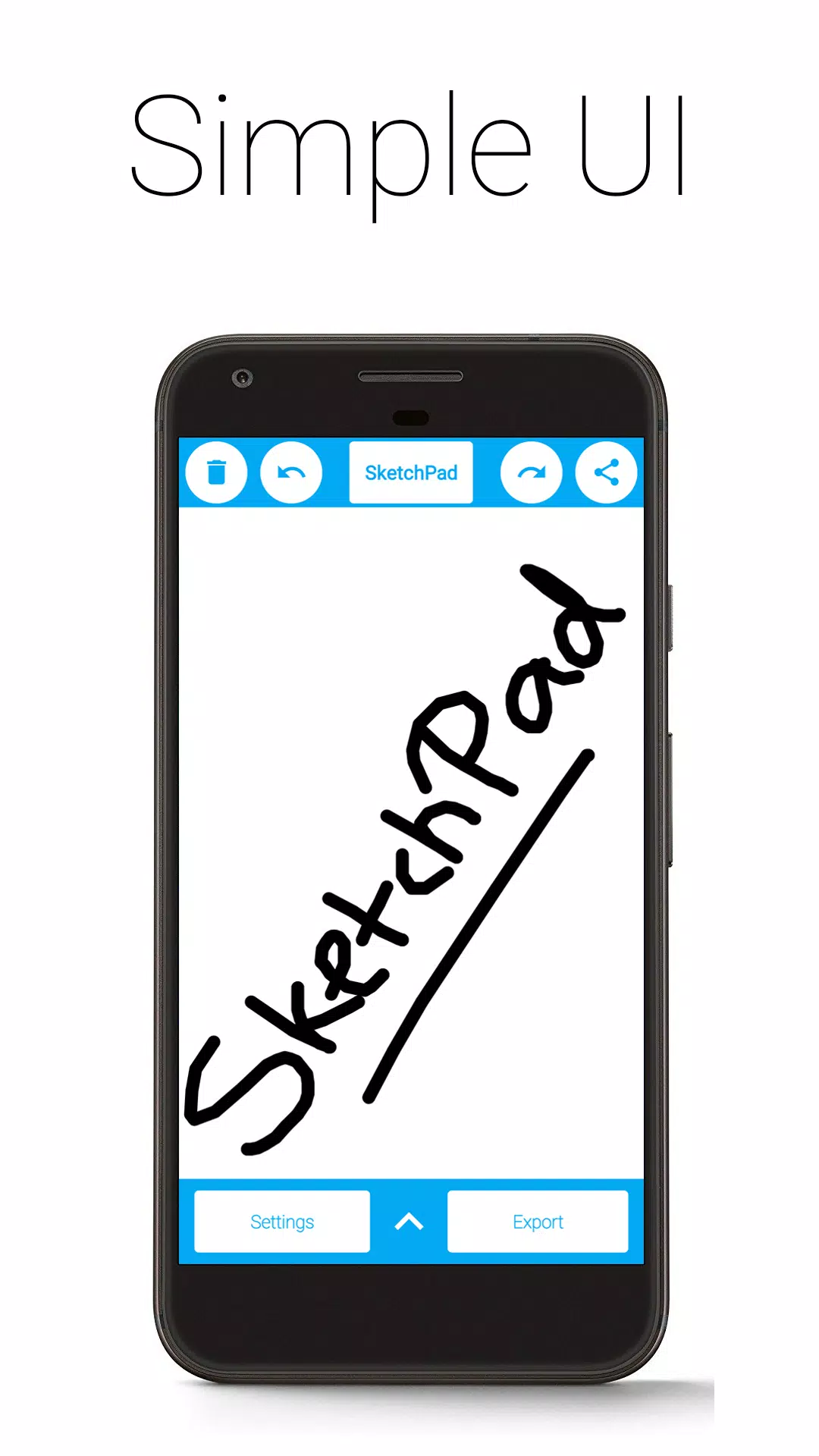
The app's design philosophy is simplicity itself. Unlike other drawing apps cluttered with features, SketchPad offers a clean, straightforward canvas that's all about you and your art. You can dive right into your sketch as soon as the app is installed—no setup required.
Features:
• Simple UI: A clutter-free interface that keeps the focus on your creativity.
• No Ads: Enjoy uninterrupted sketching without any pesky advertisements.
• No In-App Purchases: All features are available without any additional costs.
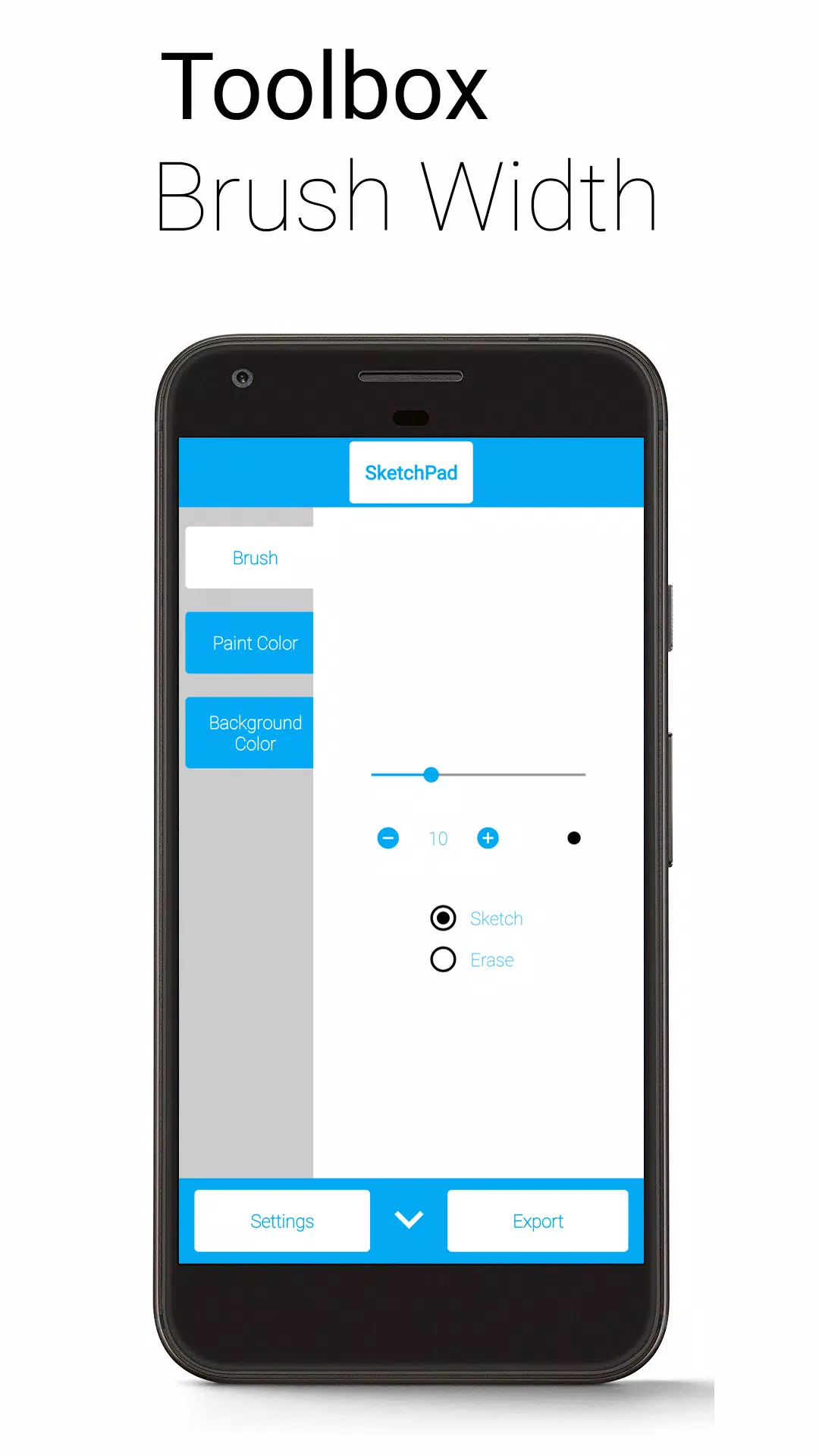
• Customizable Brush Width with Instant Preview: Perfect for both bold strokes and fine details.
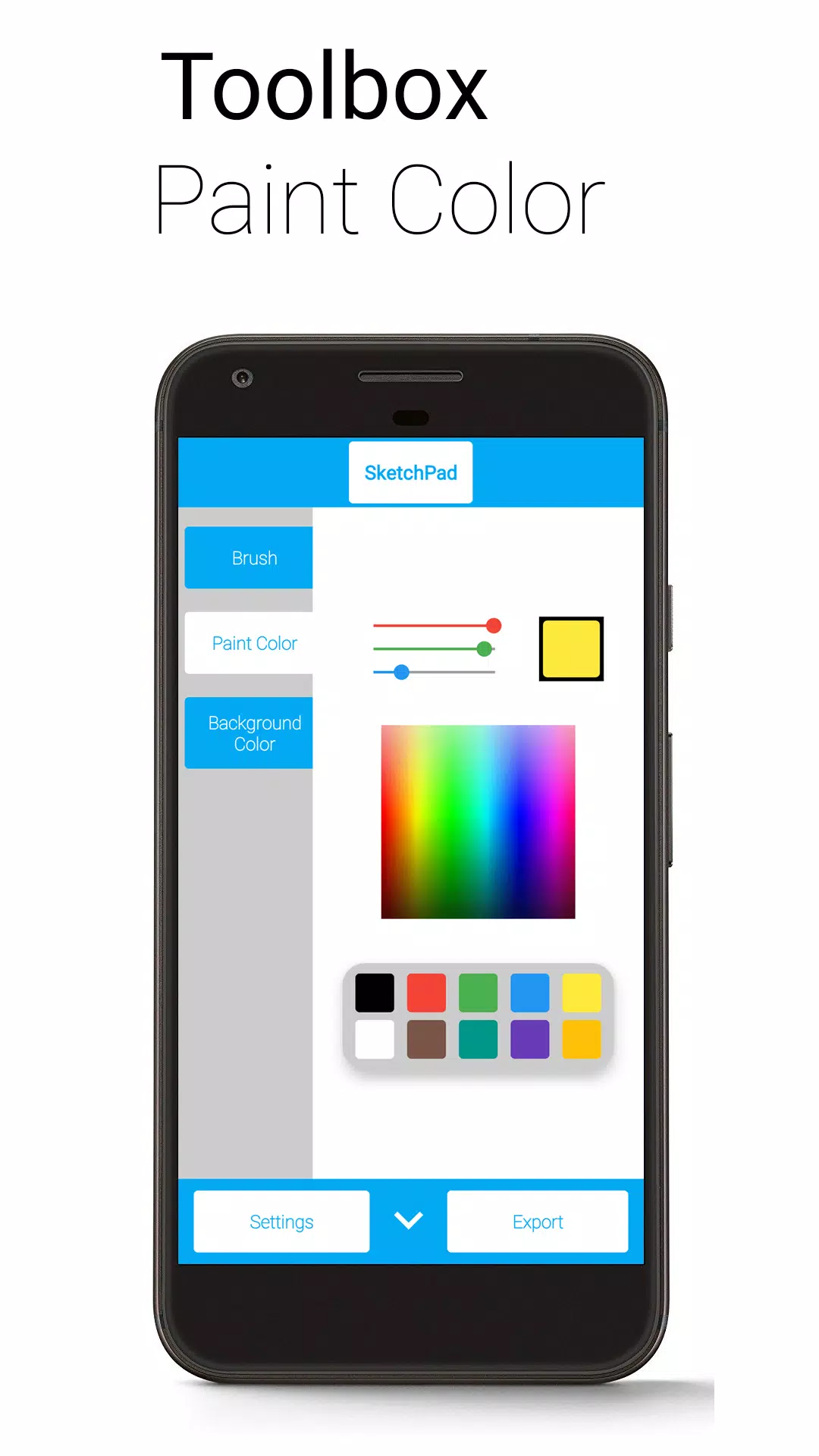
• Multiple Color Selection Methods: Choose from a Palette, Spectrum, or RGB Sliders to find the perfect hue.
• Unlimited Undo/Redo: Feel free to experiment, with the ability to correct mistakes (limited by device capabilities).
• Optional Shake to Clear: Clear your canvas with a simple shake of your device (requires accelerometer). Ideal for casual scribbling, but not recommended for serious sketching on the move.
• Export Options: Save your artwork as PNG or JPEG.
• Direct Sharing: Share your creations directly from SketchPad, which automatically exports the image to your device.
SketchPad is designed to work offline, ensuring you can create anytime, anywhere. However, sharing your sketches with others requires a network connection. The app needs Storage permission to save your sketches to your device, but rest assured, your files are safe and not accessed by anyone else.
By default, exported images are saved to "/Pictures/SketchPad/". You can customize the storage path in the settings to suit your needs. For Android 10 and later, due to changes in storage management, all images are saved to "/Android/data/com.kanishka_developer.SketchPad/files/Pictures", regardless of your settings.
The SketchPad Project prioritizes user experience above all else. We value your feedback and invite you to join the conversation in the Kaffeine Community Discord server at https://discord.gg/dBDfUQk or email us at [email protected].
What's New in Version 2.2.2
Last updated on Jan 2, 2024
- Bug fixes and performance improvements
- Happy New Year 2024!