 Download
Audio Converter: Your Ultimate Tool for Audio Conversion and Editing on Android
Are you looking for a fast, powerful, and user-friendly way to convert and edit audio files on your Android device? Look no further than Audio Converter, the ultimate solution for all your audio needs. With support for a wide range of formats and an array of editing features, this app is designed to enhance your audio experience effortlessly.
Effortless Audio Conversion
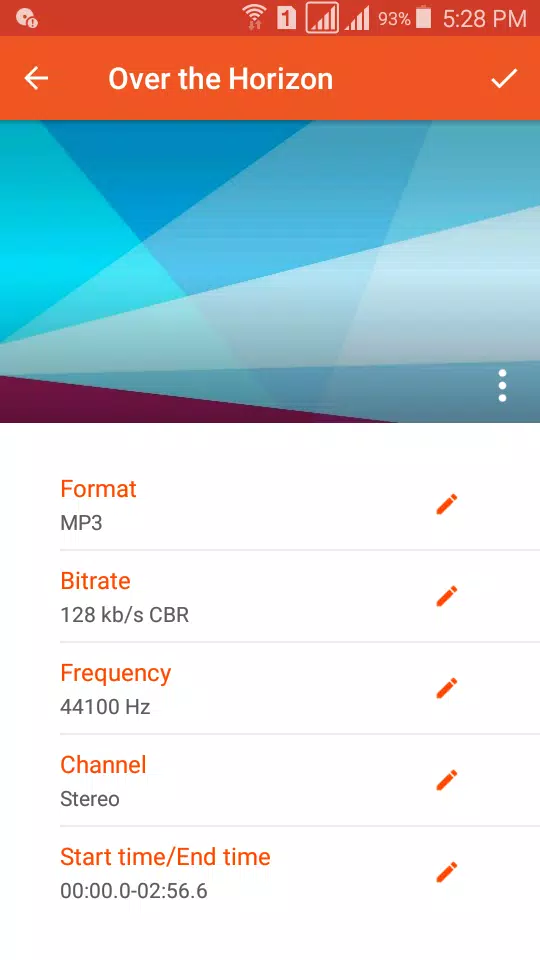
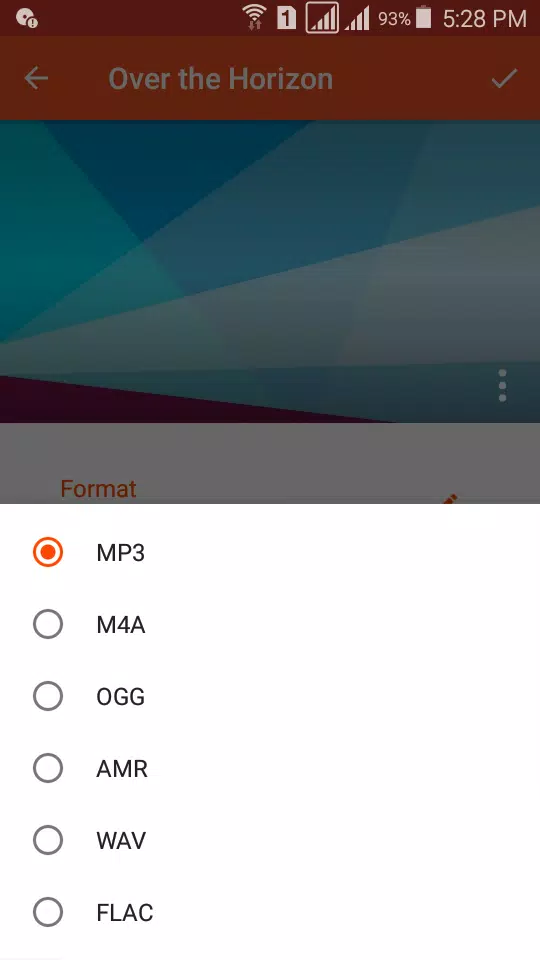
Audio Converter simplifies the process of converting audio files. Whether you need to convert to MP3, AAC, M4A, OGG, AMR (AMR-NB and AMR-WB), OPUS, WAV, FLAC, WMA, or AC3, this app has you covered. No account registration is required; just select your audio file, choose your desired format, and hit "convert" to transform your audio files with ease.
Our app supports conversion to various bitrates, including 8 kb/s, 16 kb/s, 24 kb/s, 32 kb/s, 64 kb/s, 128 kb/s, 160 kb/s, 192 kb/s, 256 kb/s, and 320 kb/s, ensuring you can save your music at your preferred quality. You can also customize settings like frequency, channel (Stereo, Mono, 3.1, 5.0, 5.1, 7.0, and 7.1), and choose between VBR, CBR, and ABR encoding methods.
Advanced Audio Editing Features
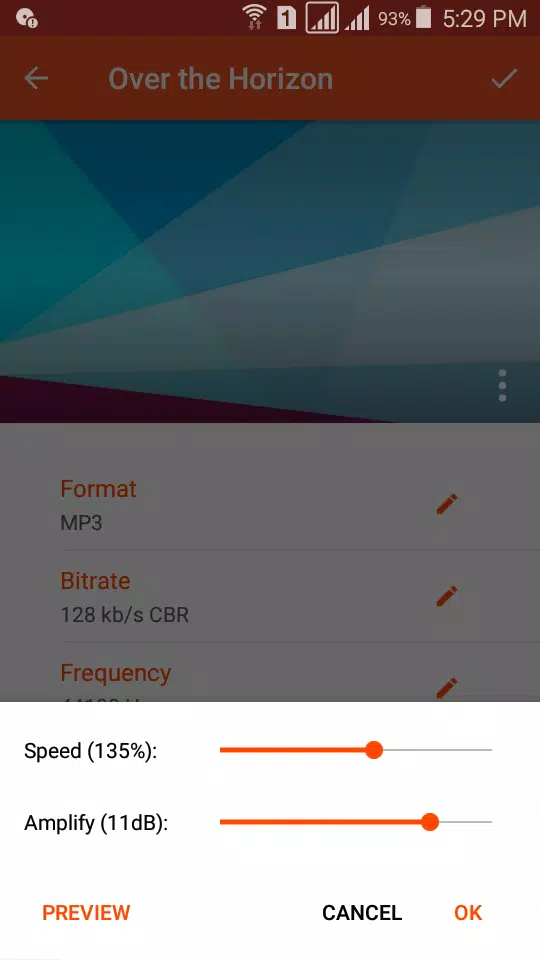
Not only can you convert audio files, but Audio Converter also allows you to cut audio clips to create personalized ringtones, alarms, or notifications. With no duration limits, you can trim your audio before and after conversion, change the speed and amplify the audio file, and even add a music cover to your MP3 files. Moreover, you can edit music tags such as Title, Artist, and Album to keep your collection organized.
Create and Share Your Audio Masterpieces
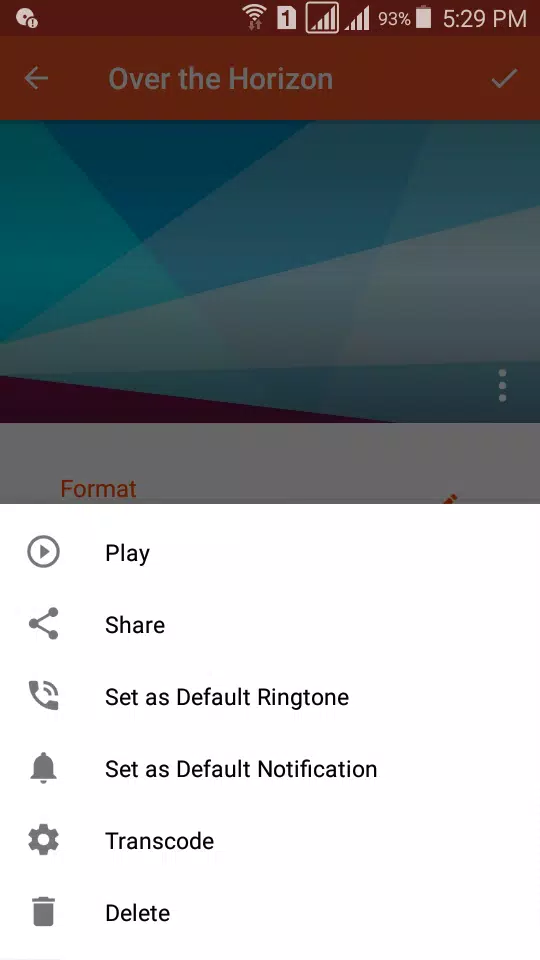
With Audio Converter, you can extract music from videos and convert them into audio files. Once you've created your perfect audio clip, you can share it with friends via social media platforms like WhatsApp, SoundCloud, and Facebook, or upload it to Google Drive and Dropbox. You can also set your audio clips as default notifications or ringtones on your device.
Audio Cutter: Precision and Speed
The Audio Cutter feature supports unlimited audio formats, including MP3, AAC, OGG, and OPUS, ensuring fast and accurate cuts. You can save your edited audio as music, alarm, notification, or ringtone, and easily share or play the clip directly from the app.
Why Choose Audio Converter?
Audio Converter is the best audio format converter for Android, offering a simple, powerful, and free solution to all your audio conversion and editing needs. Whether you're looking to convert thousands of audio files, create custom ringtones, or share your audio creations, Audio Converter has everything you need.
We're committed to improving our app based on your feedback. If you have any suggestions or questions, please feel free to contact us at [email protected]. We hope you find all your audio editing and conversion needs met with Audio Converter.