 Download
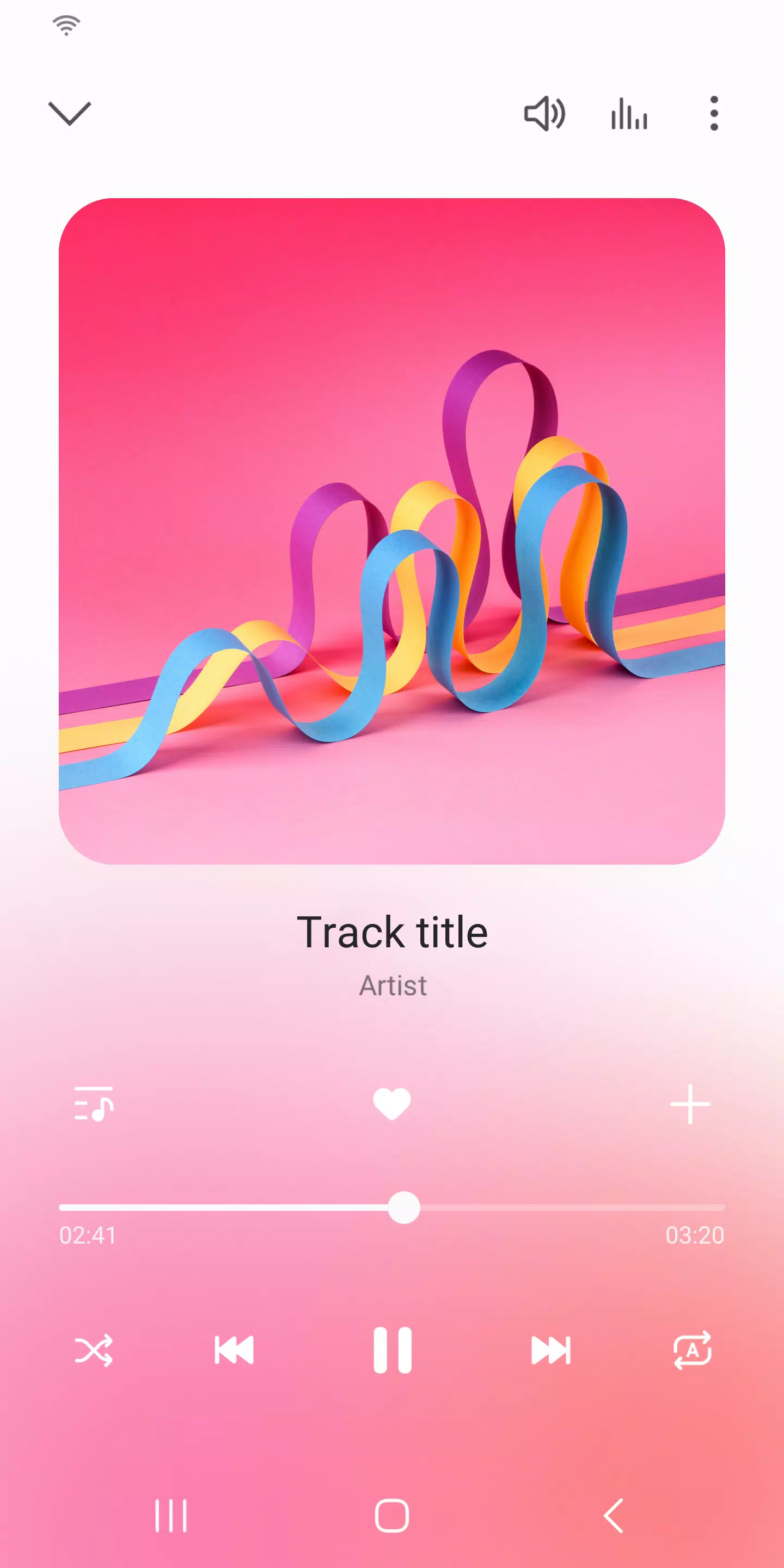
Looking for a seamless way to enjoy your favorite tunes on your Samsung Galaxy phone? Look no further than the Samsung Music app, designed specifically for Samsung Android devices. This app offers robust music playback capabilities and an intuitive user interface that makes your music listening experience enjoyable and hassle-free.
Key Features
1. **Versatile Audio Format Support**: Samsung Music supports a variety of sound formats including MP3, AAC, and FLAC, ensuring you can play your entire music library. Please note that supported file formats may vary depending on your specific device.
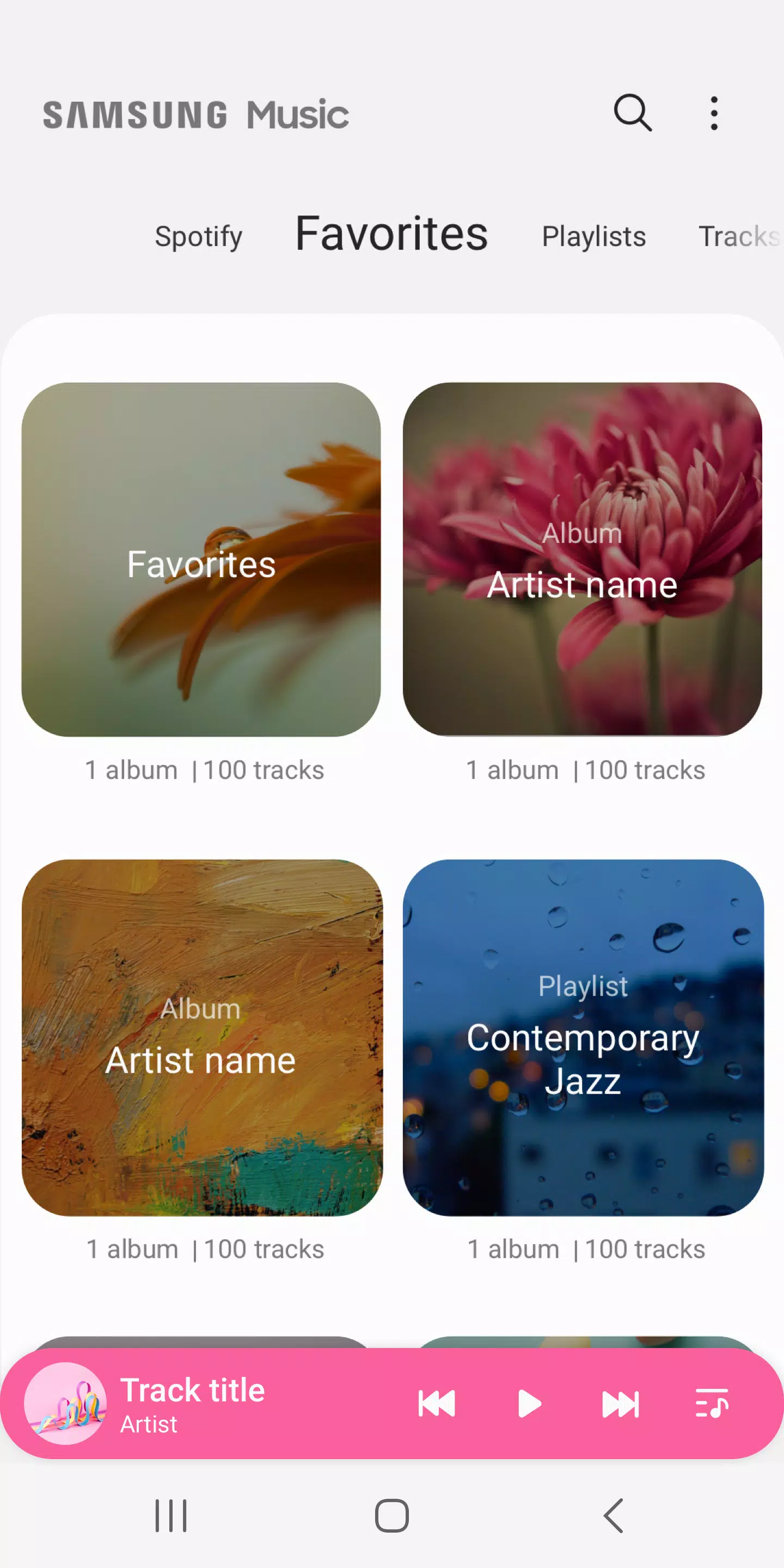
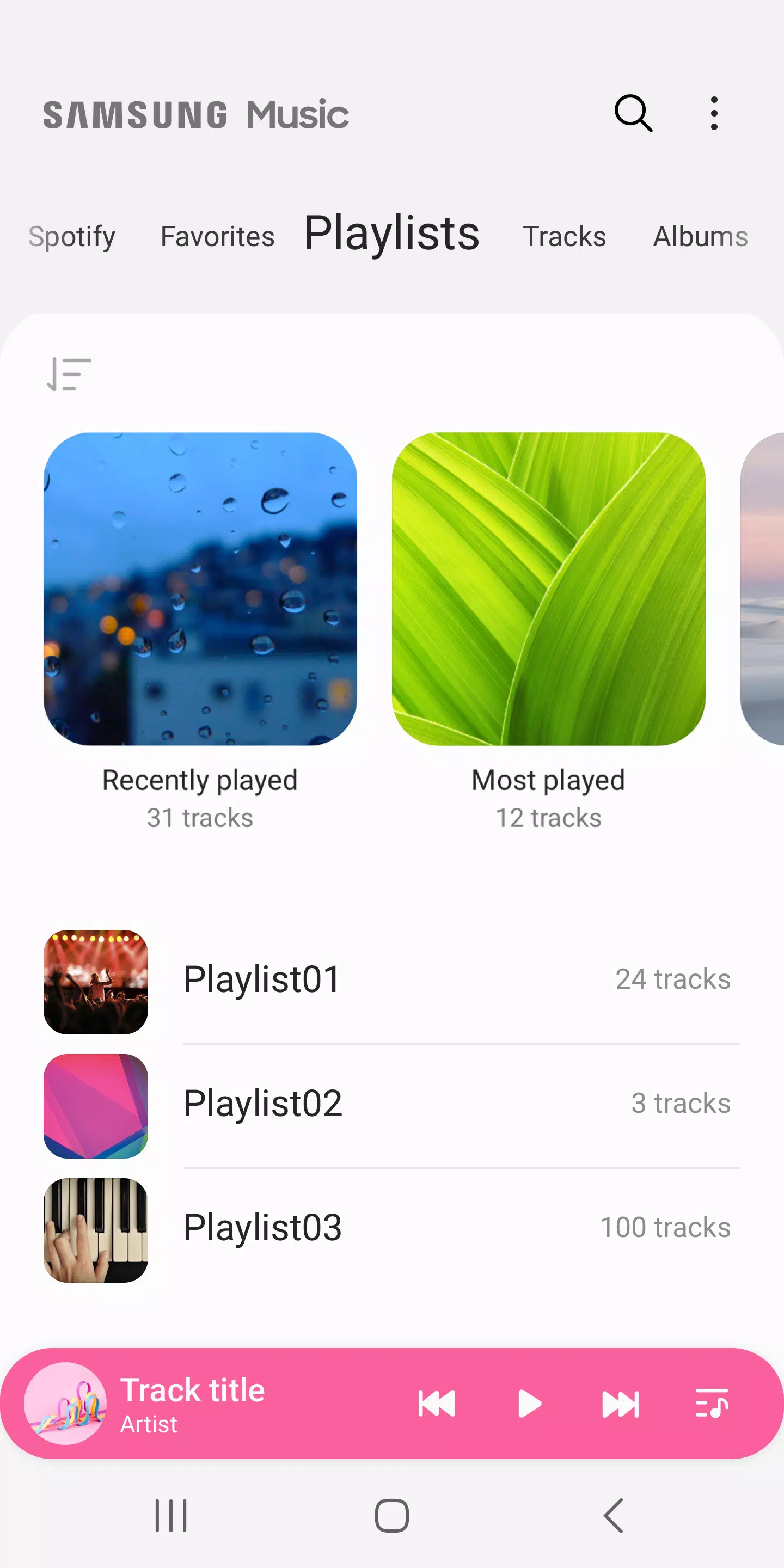
2. **Effortless Song Management**: Organize your music effortlessly with categories such as Track, Album, Artist, Genre, Folder, and Composer. This feature helps you quickly navigate to your favorite songs.
3. **User-Friendly Interface**: The app boasts a clean and intuitive design, making it easy for you to find and play your music without any fuss.
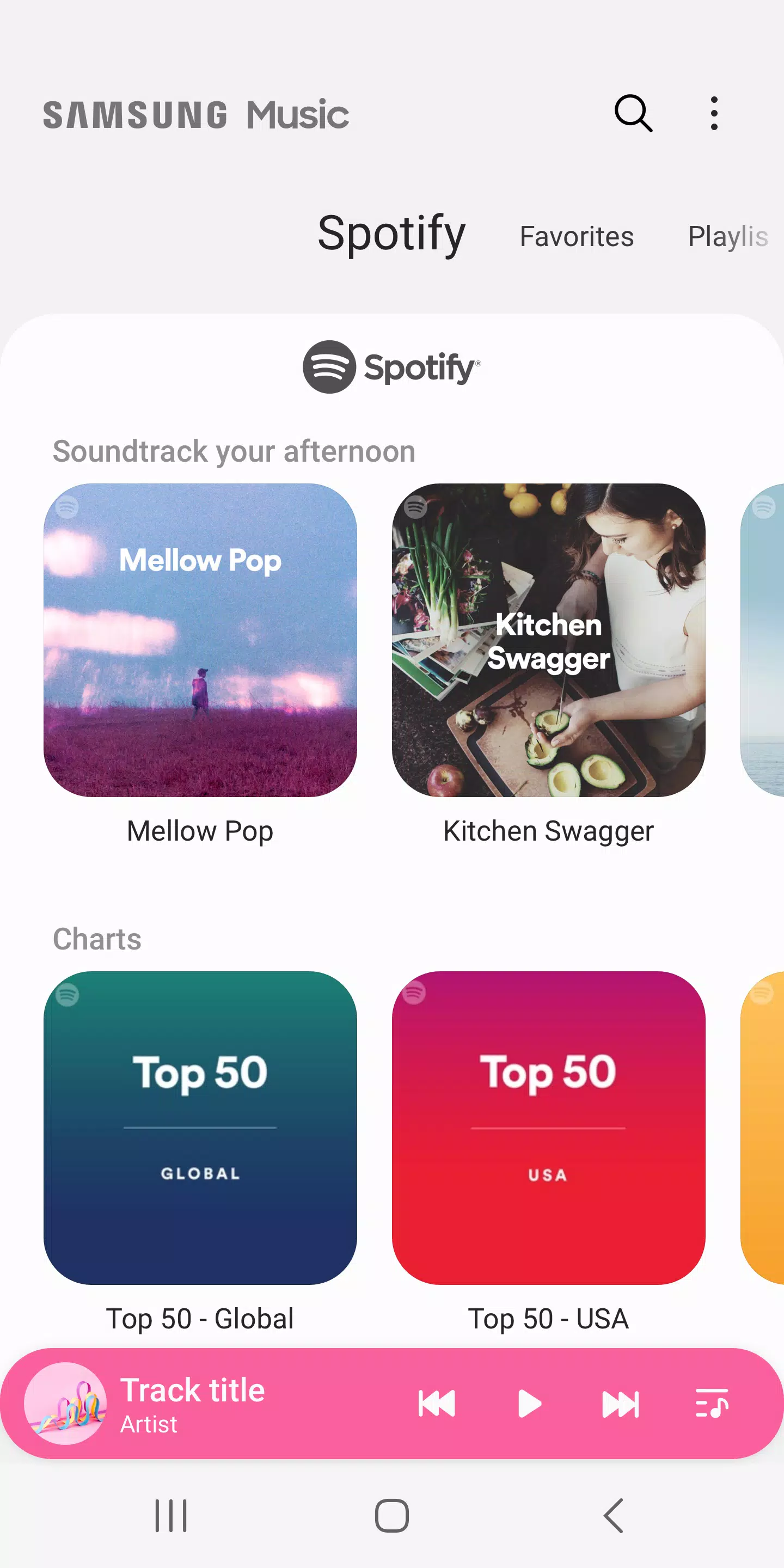
4. **Spotify Integration**: Discover new music with Spotify recommendations right within the Samsung Music app. Simply navigate to the Spotify tab to explore playlists and search for music you'll love. Keep in mind that the Spotify tab is only available in countries where Spotify services are offered.
For any questions or further assistance with Samsung Music, you can reach out to us easily. Just go to the Samsung Music App > More (3 dot) > Settings > Contact Us. To use this feature, make sure the Samsung Members app is installed on your device.
Required App Permissions
Samsung Music requires certain permissions to deliver its full range of features. Here's what you need to know:
**[Mandatory Permission]**
1. **Music and Audio (Storage)**: This permission is essential for storing and playing your music and audio files. It also allows the player to access data from your SD card.
**[Optional Permission]**
2. **Microphone**: For Galaxy S4, Note3, and Note4 devices only, this permission enables voice command control for the player. Note that it listens but does not record.
3. **Notifications**: This allows Samsung Music to send you notifications related to the app's services.
4. **Phone**: For Korean devices only, this permission is used to verify your phone when using the music service.
Even if you choose to deny the optional permissions, the basic features of Samsung Music will still work properly, ensuring you can enjoy your music without interruption.